

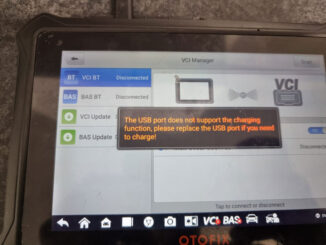
Solved: OTOFIX D1 “USB Port Not Support Charging Function” Error
If your OTOFIX D1 Diagnostic Tablet displays the error: “The USB port does not support the charging function, please replace the USB port if you […]

If your OTOFIX D1 Diagnostic Tablet displays the error: “The USB port does not support the charging function, please replace the USB port if you […]
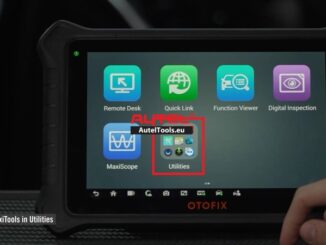
This guide explains how to use the MaxiTools utility to upload system logs from your OTOFIX Tools Scanner (including D1, D1 Lite, D1 ProS2, D1 […]
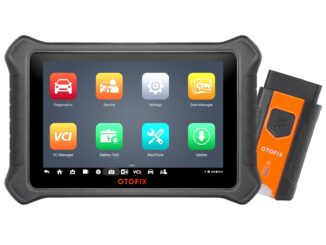
Upgrade your garage with the ultimate car diagnostic scanner of 2025 – the OTOFIX D1 ProS2! Wondering how it stacks up against the D1 ProS, […]

OTOFIX IM1 can support key generation with Autel IKEY Remote. Following I’m gonna generate Hyundai i10 4A key as a quick demonstration. This is can […]

The APB131 adapter is compatible not only with Autel MaxiIM IM508/IM608 devices but also with OTOFIX IM1/IM2 euquipment. Today, we will share user feedback and […]

How to upload OTOFIX Scanner Data Log ? Here we share steps, customer just follow and then can do it successfully.

OTOFIX Models Comparison – OTOFIX Diagnostic Tools Introduction What is OTOFIX? OTOFIX is an innovative line of automotive diagnostics and scanning tools, specifically designed with […]
Copyright © 2026 | WordPress Theme by MH Themes