


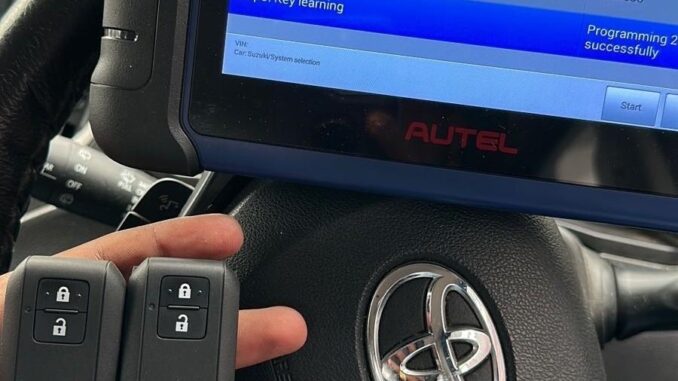
Toyota RAV4 HV All Keys Lost via Autel APB112– Key Programming Tutorial
Equipment Used
Autel MaxiIM608 & APB112
VCI communication interface
Toyota diagnostic software
Vehicle: 2020 Toyota RAV4 HV
Key type: Smart Key / AXAH5# (8A)
Function: All Keys Lost
Quick Workflow
Connect VCI
↓
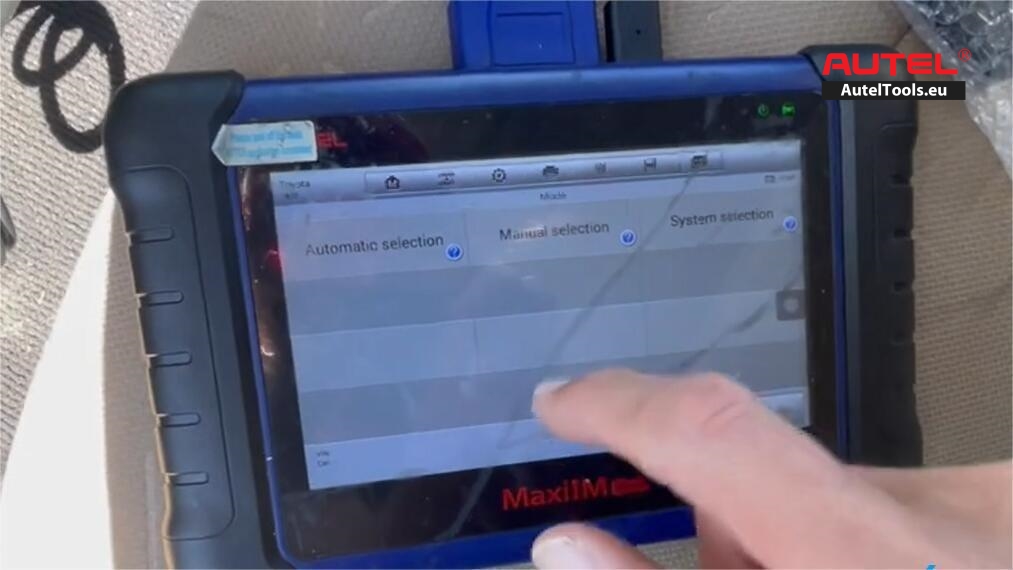
Toyota → Manual Selection
↓
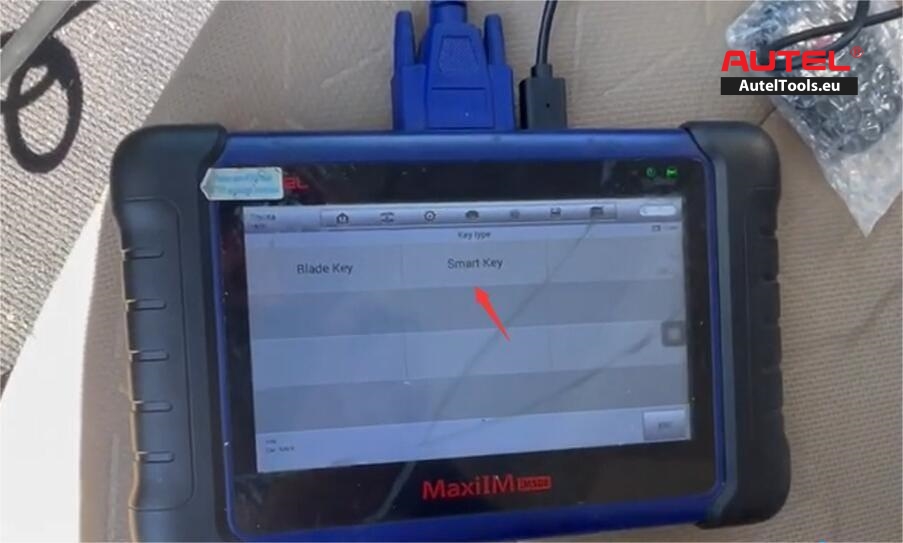
RAV4 HV → Smart Key → AXAH5# (8A)
↓
Keyless System (CAN)
↓
Back up IMMO data
↓
Generate analog key
↓
Test analog/emergency key
↓
Add smart key
↓
Verify newly programmed key
Here we share more details
Step 1. Connect the diagnostic tool
Connect the Autel diagnostic tablet to the vehicle through the VCI interface and make sure the vehicle voltage and communication status are normal.
Step 2. Select the Toyota vehicle manually
Enter:
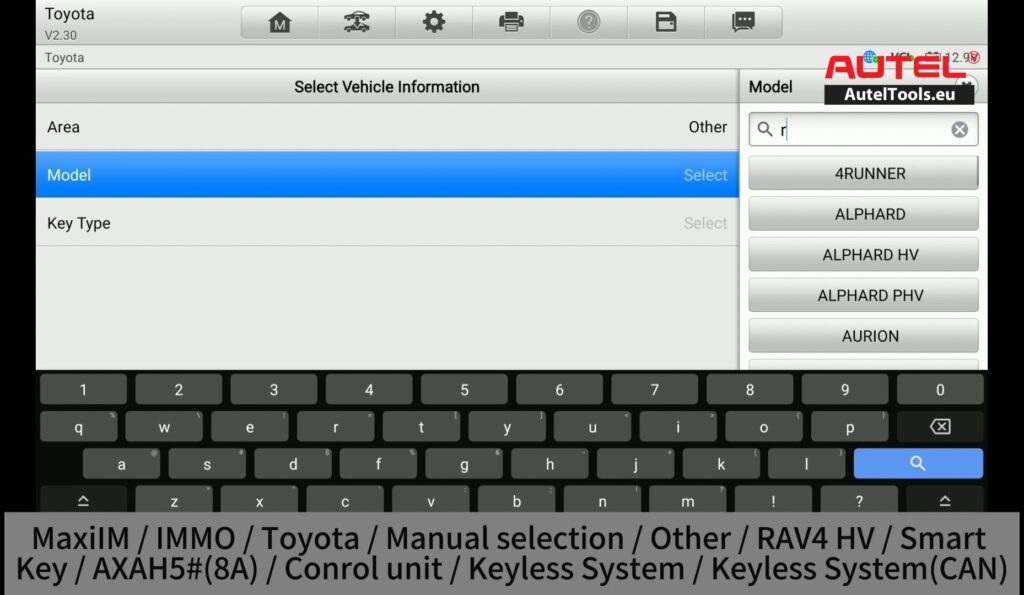
MaxiIM → IMMO → Toyota → Manual Selection → Other → RAV4 HV → Smart Key → AXAH5# (8A) → Control Unit → Keyless System → Keyless System (CAN)
Then enter the corresponding immobilizer/keyless-system function.
Step 3. Perform “Back up IMMO data”
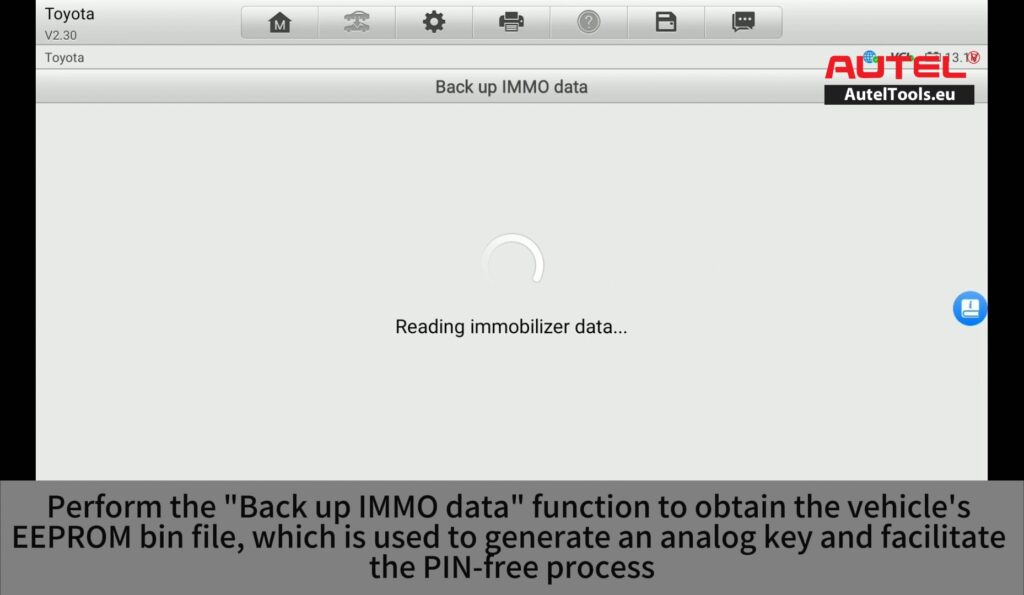
Select Back up IMMO data.
The system reads the immobilizer and EEPROM information from the vehicle.
Reading:
Immobilizer data
EEPROM data
The backup produces an EEPROM BIN file, which is subsequently used by the software for the next operation.
Important: Keep the backup file safely stored. Do not interrupt communication or vehicle power during the data-reading process.
Step 4. Generate the analog key
After the EEPROM data has been backed up, select:
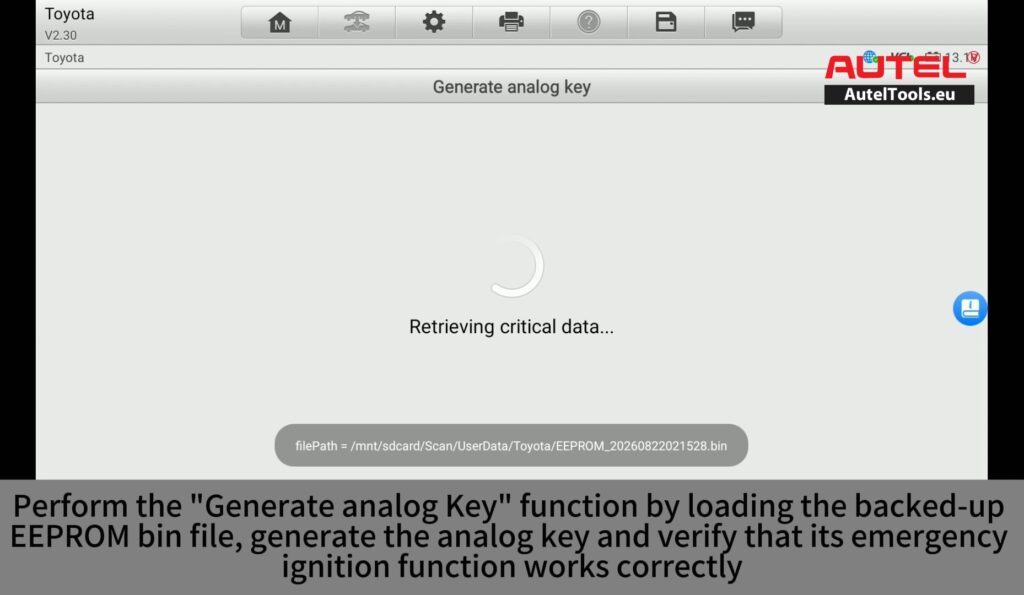
Generate analog key
The tool retrieves the required data from the backup EEPROM file and generates an analog/emergency key.
Step 5. Test the generated analog key
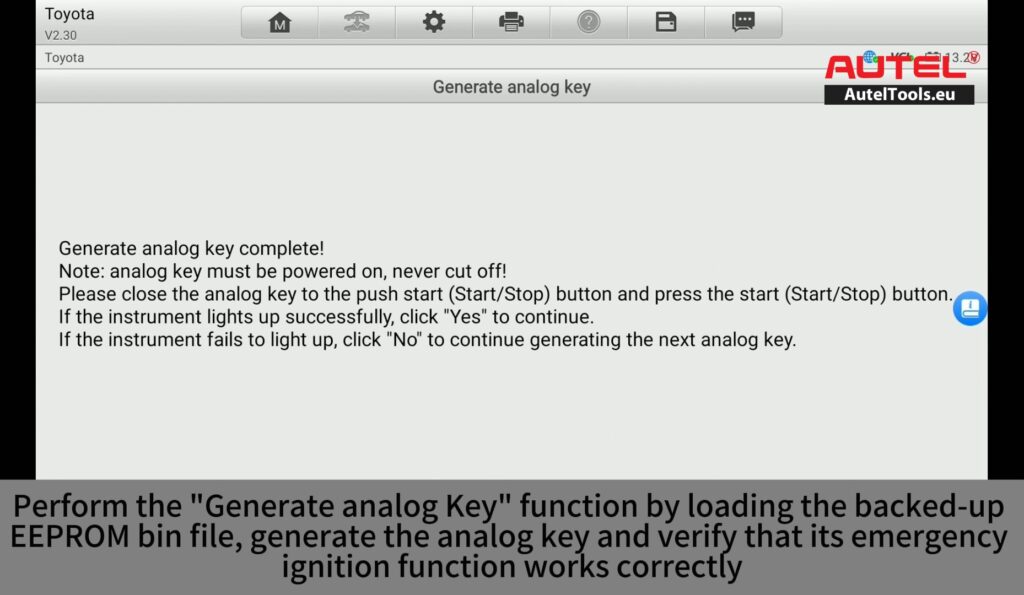
When generation is complete, the software instructs you to bring the generated analog key close to the vehicle’s Start/Stop button and press the button.
The video demonstrates checking whether the instrument cluster successfully lights up.
If the generated key works correctly, continue to the next procedure.
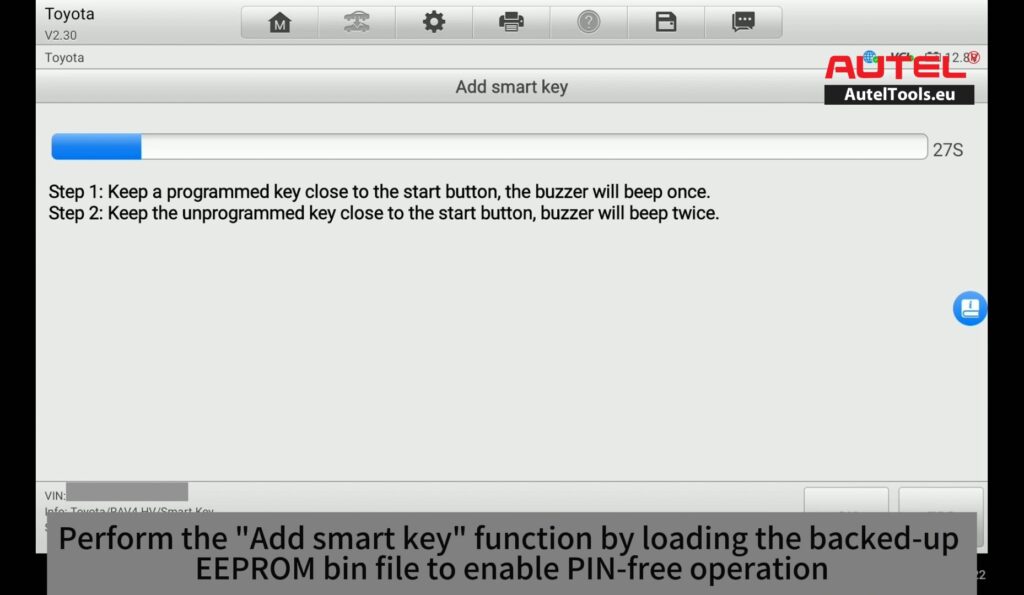
Step 6. Add the smart key
Select Add smart key and load the previously backed-up EEPROM BIN file when prompted.
The system then establishes communication with the vehicle and performs the smart-key learning procedure.
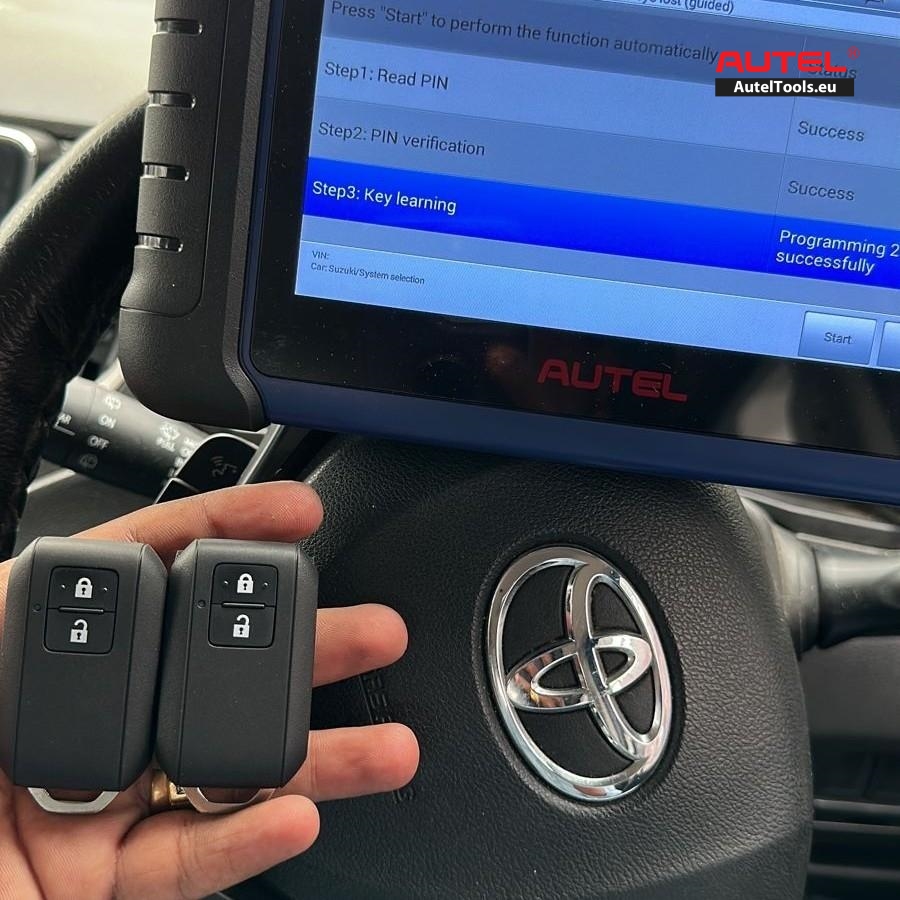
Step 7. Verify the new key
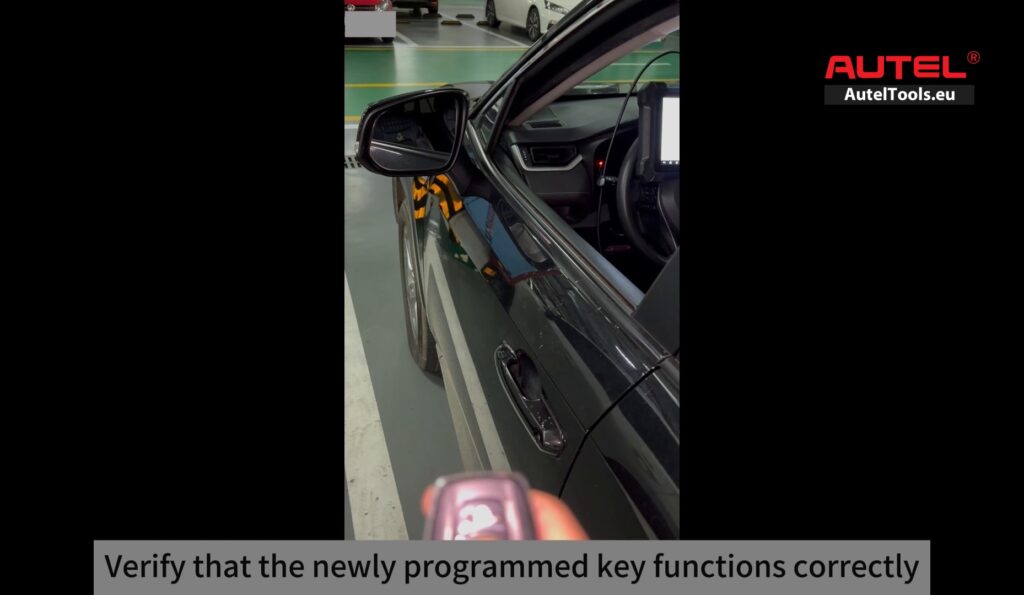
After programming is completed, verify that the newly programmed key operates the vehicle correctly.
For more technical support,please contact Jenny
Whatsapp:+86 19947637411
Email: Sales@AutelTools.eu
Leave a Reply