


How to Add a Key to a 2018 Toyota Corolla with Autel IM608 PRO II & Autel Universal Key
Vehicle: 2018 Toyota Corolla
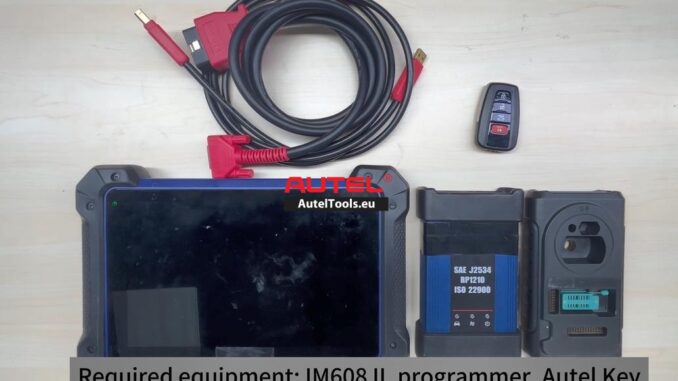
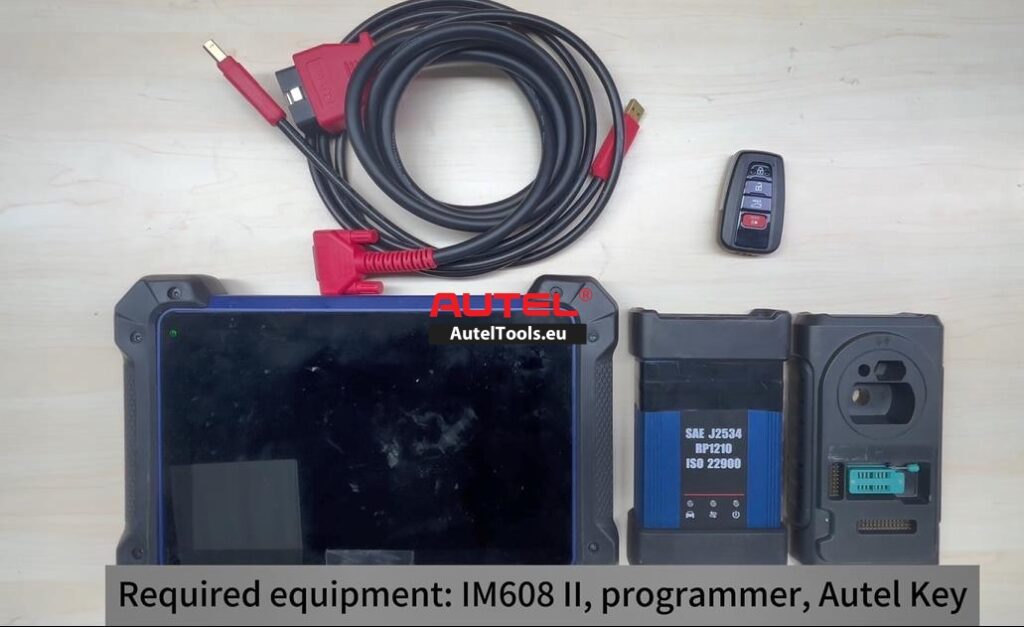
Equipment: Autel IM608 PRO II, Autel Universal Key (Transponder 208)
Function: Key Addition (Not All Keys Lost)
If you work on Toyota vehicles, you know they can be picky. The immobilizer systems are robust, and while they aren’t necessarily difficult, they do require the right workflow. Today, I’ll walk you through the exact step-by-step process I used to add a new key to a 2018 Toyota Corolla using the Autel IM608 PRO II and an Autel Universal Key.
The beauty of this job is that it was an “Add Key” scenario—the customer still had an original working key, so we didn’t need to reset the entire immobilizer system.
Here is the three-step workflow that got the job done quickly and efficiently.
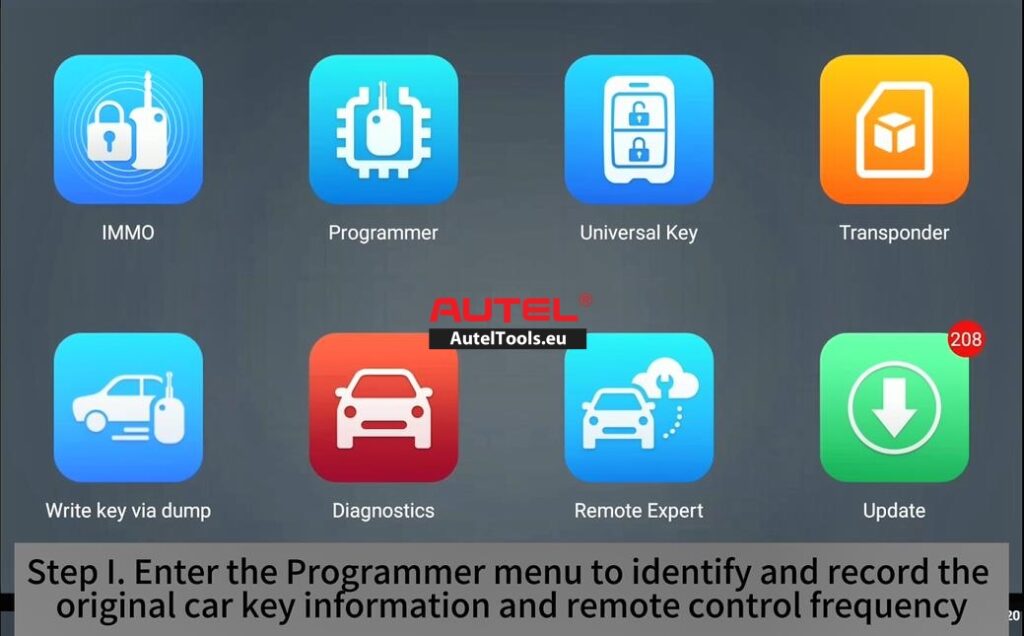
Step I: Identify & Record the Original Key Information
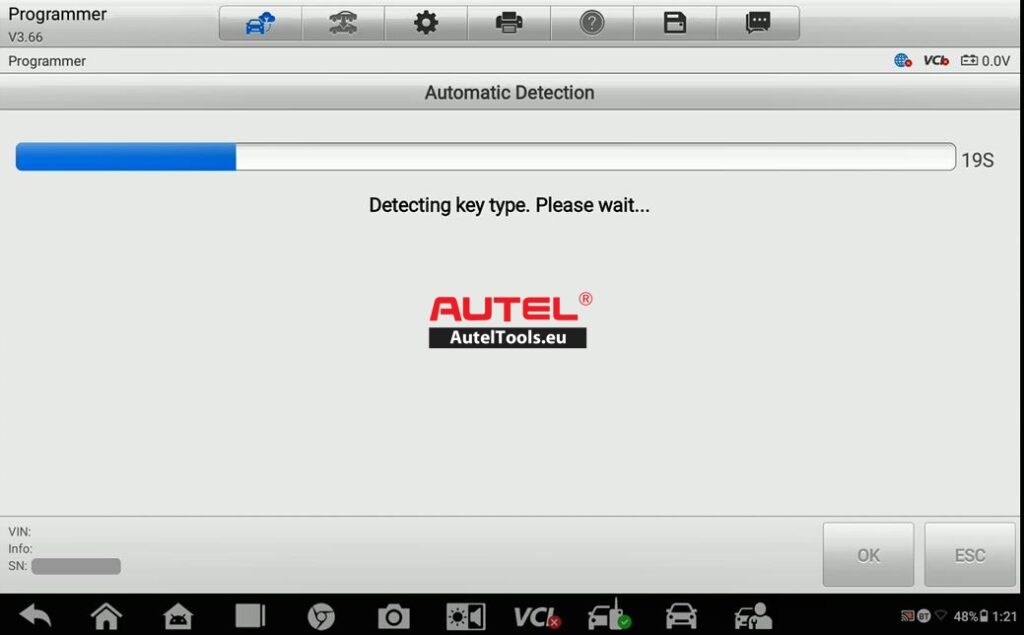
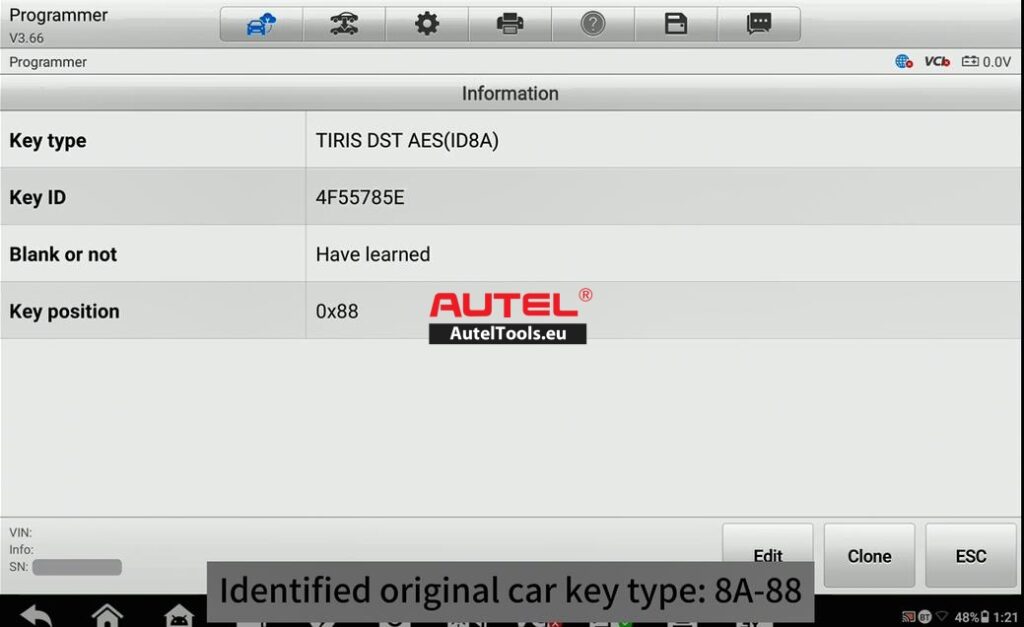
Before you can generate a new key, you need to know what you are cloning or replicating. The IM608 PRO II makes this incredibly straightforward.
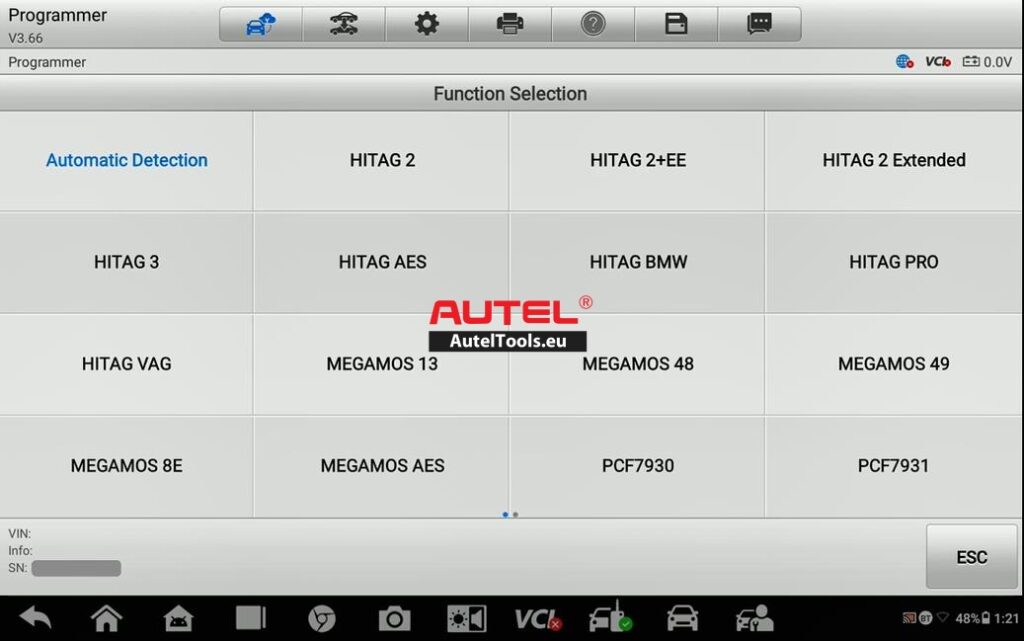
- Navigate to the Programmer menu on the device.
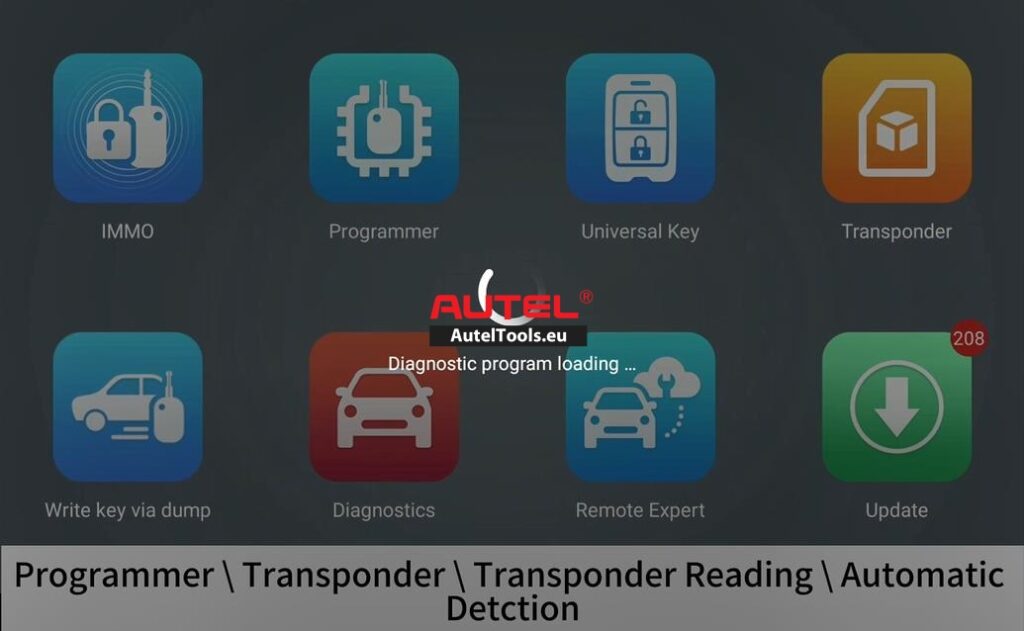
- Select the appropriate function to read the original car key.
- The system will identify the key type and, crucially, read the remote control frequency.
- The device saves this data so you can use it for the next step.
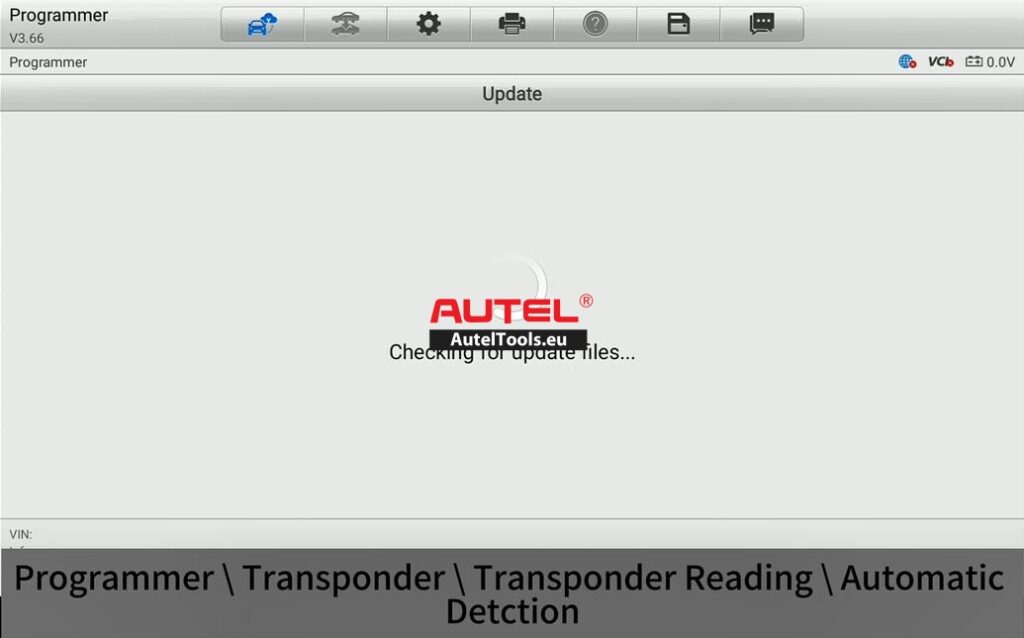
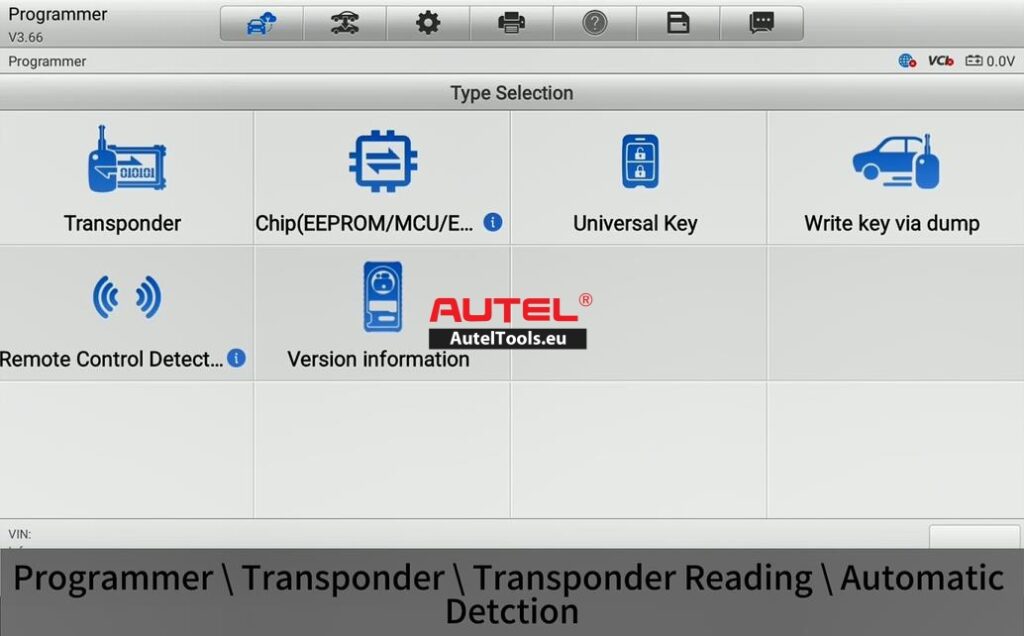
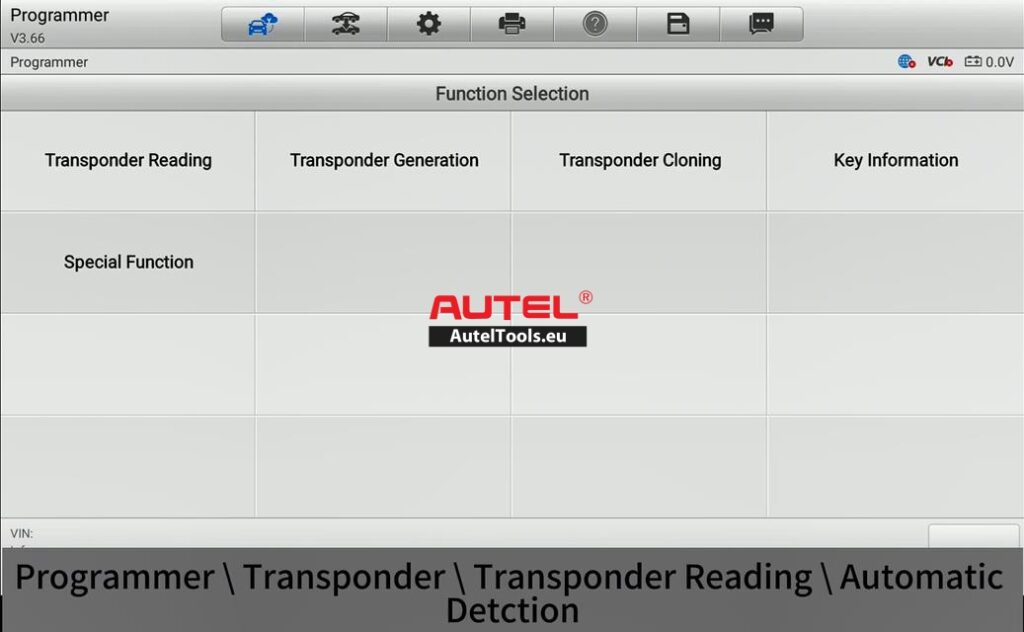
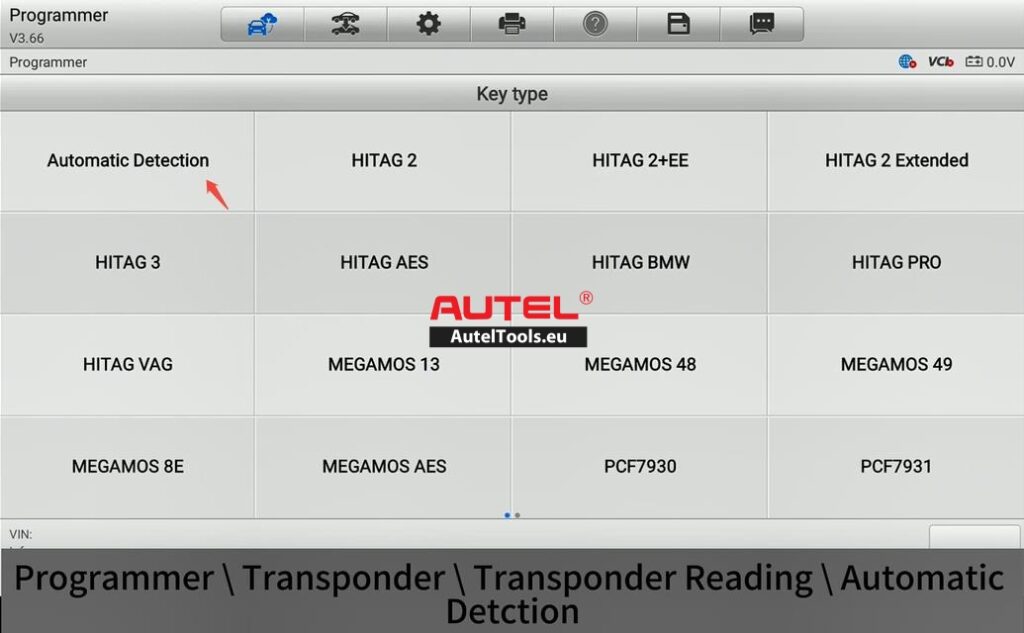
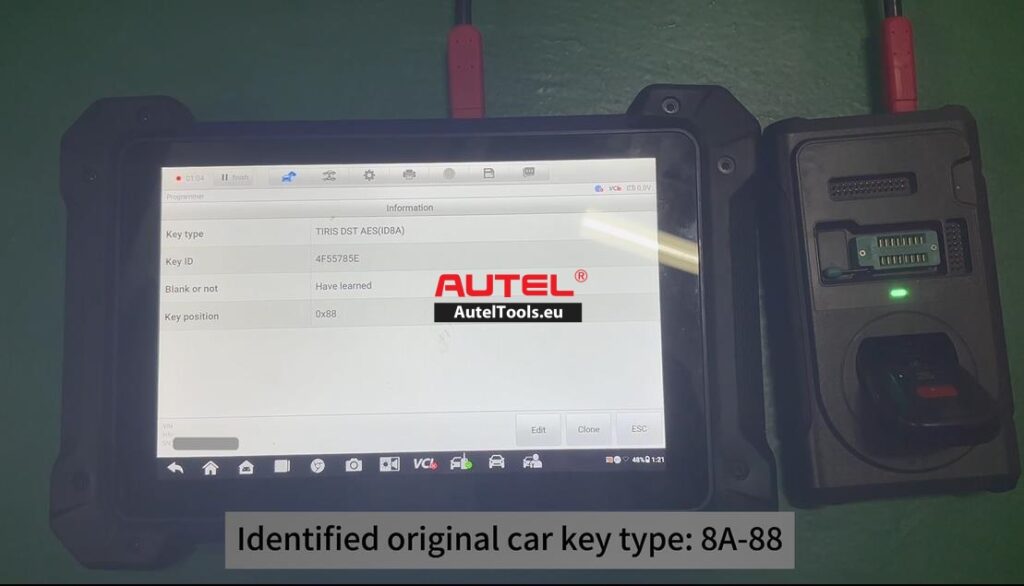
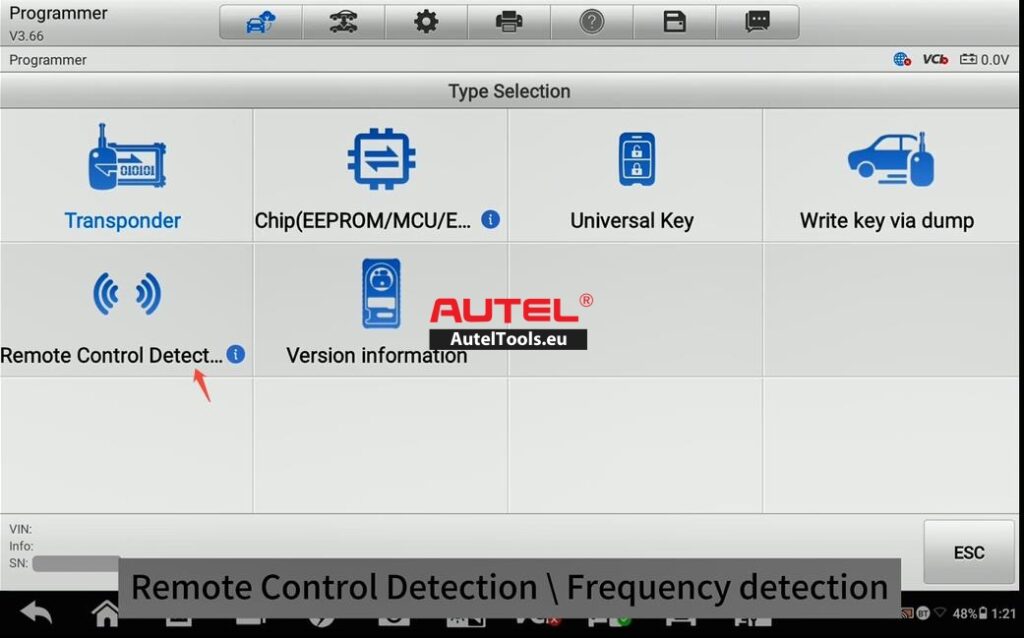
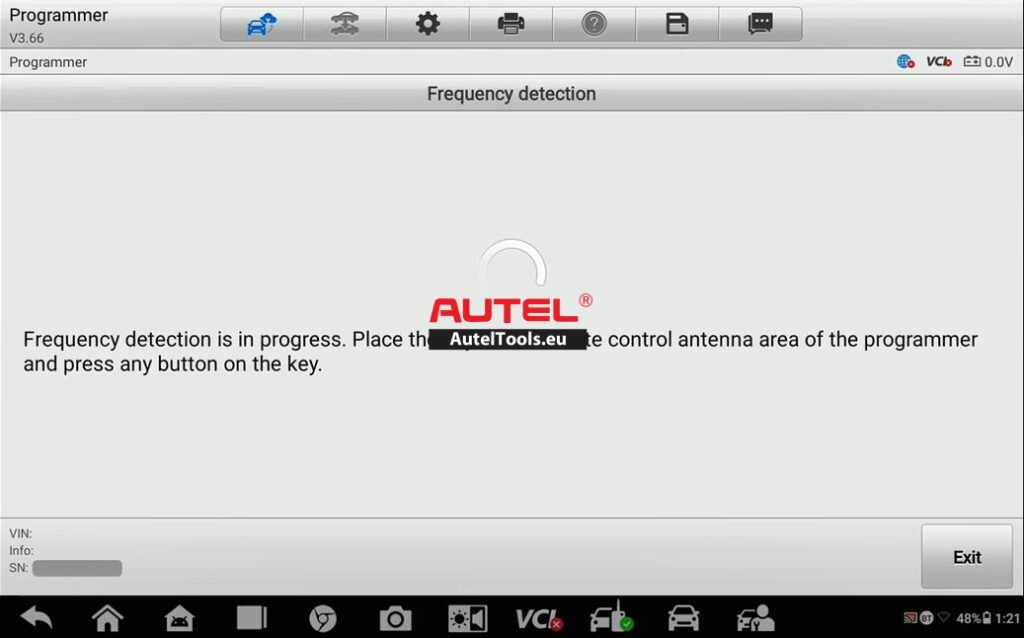
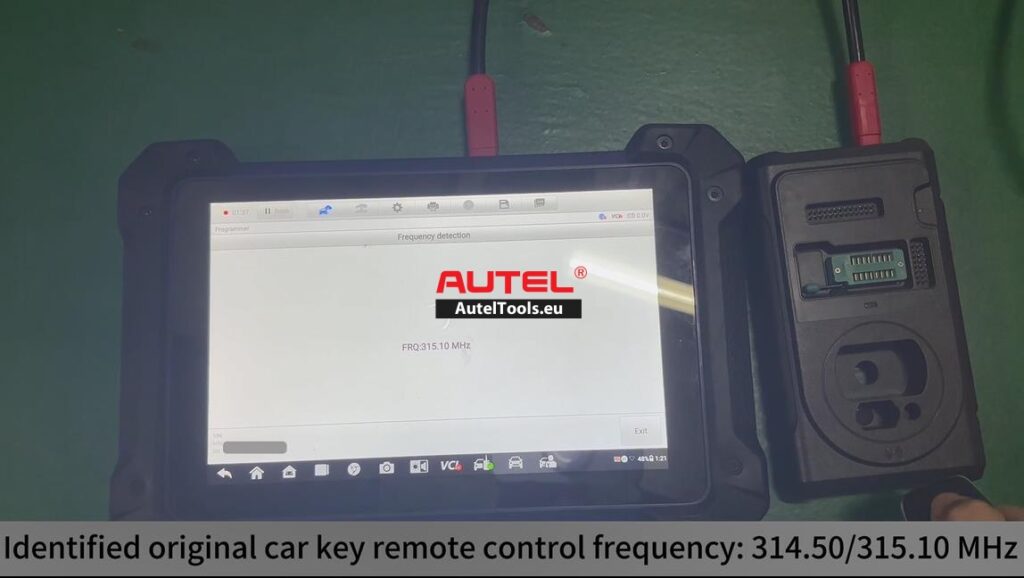
Pro Tip: Ensure the original key is placed correctly in the programming coil. If the IM608 cannot read the frequency or chip data, try repositioning the key or cleaning the battery contacts on the remote.
Step II: Generate the Key via the Universal Key Menu
Once you have the original key’s data stored, it is time to turn the blank Autel Universal Key (Transponder 208) into a fully functional key for this specific vehicle.
- Enter the Universal Key menu on the IM608.
- The system will prompt you to place the new Autel Universal Key into the programmer.
- The device uses the original key information (frequency and transponder data) captured in Step I to generate the new key.
- This process writes the necessary data to the blank key so it can communicate with the car’s immobilizer and remote locking system.
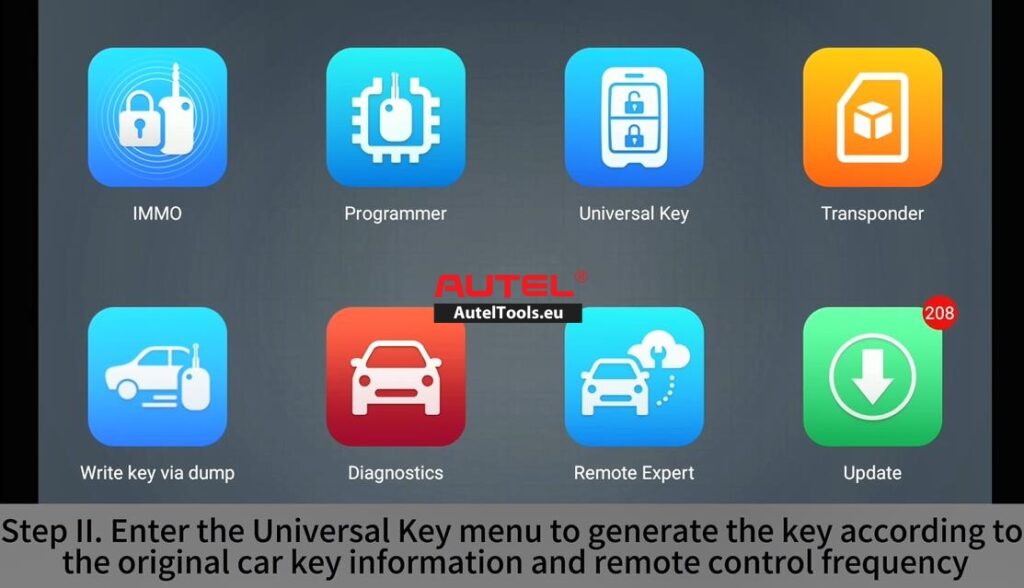
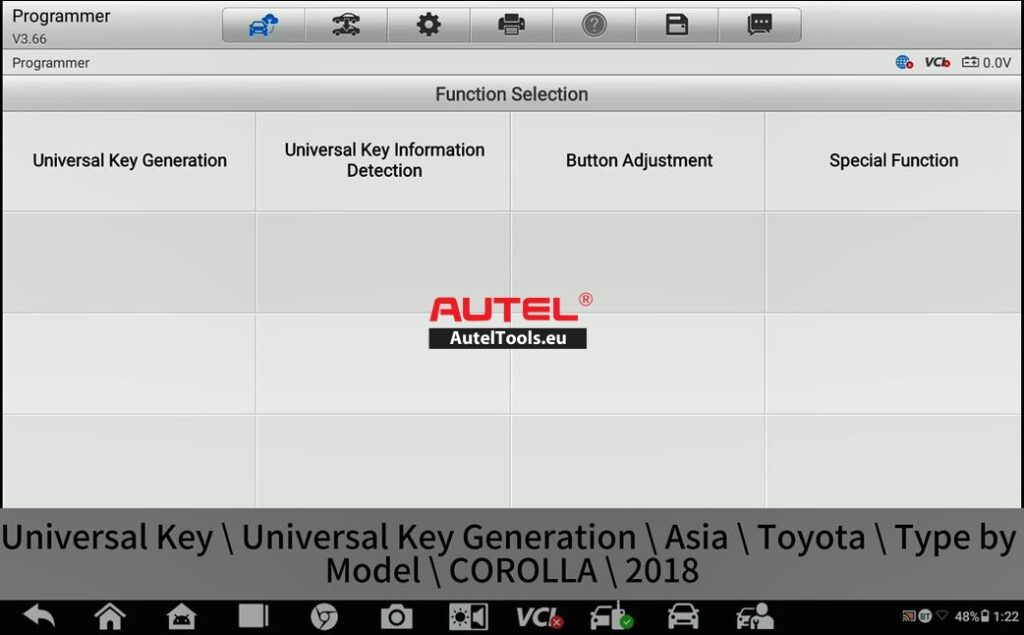
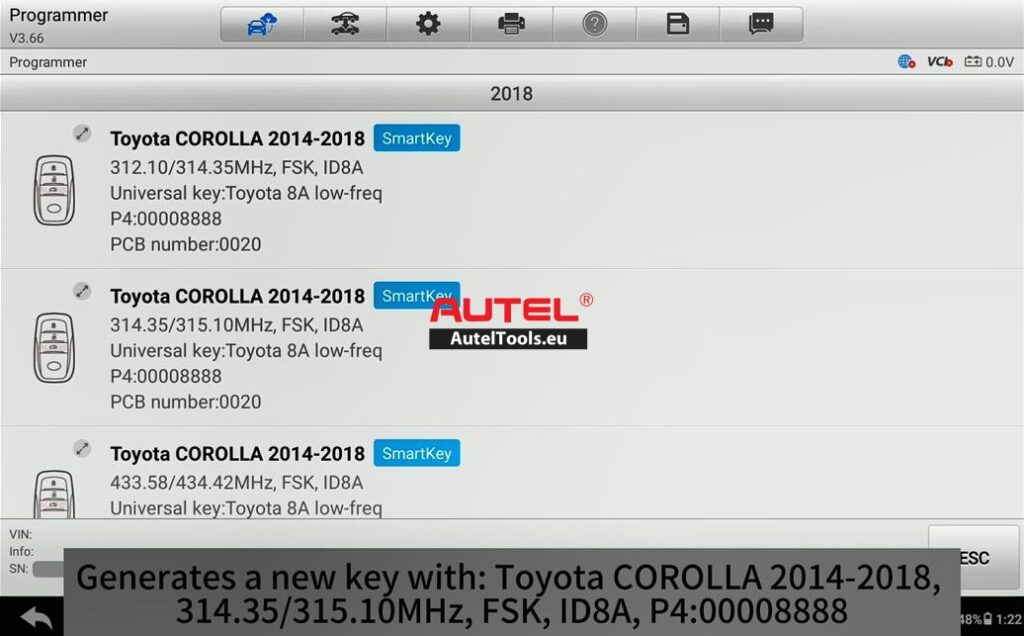
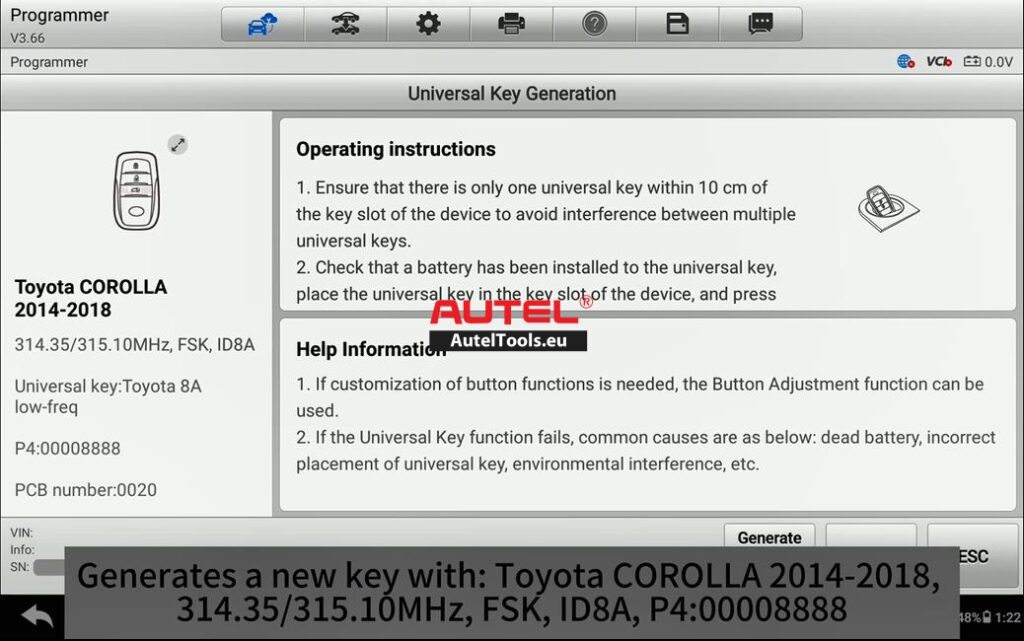
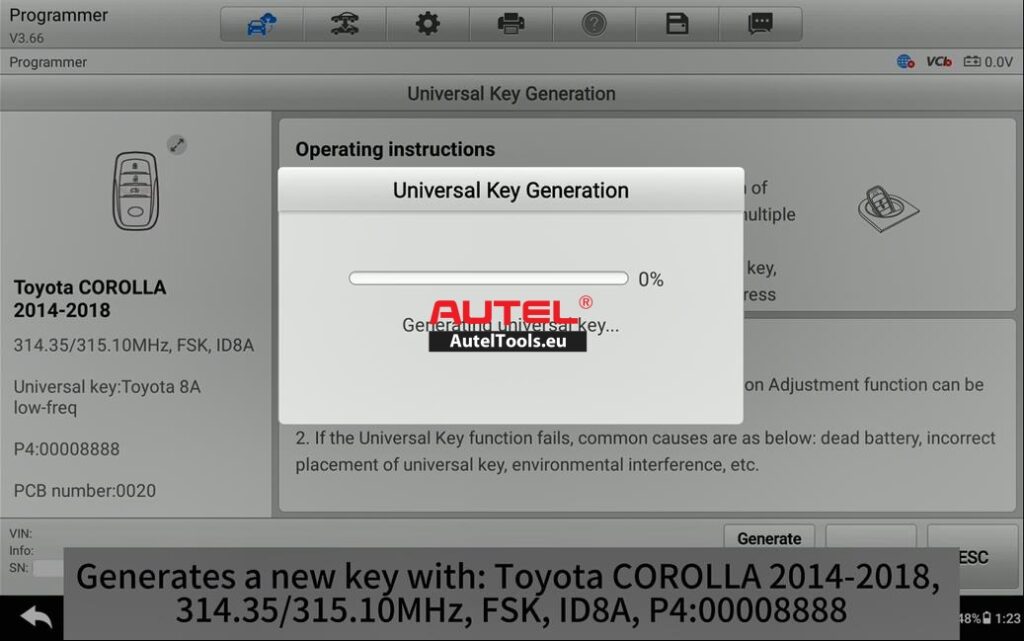
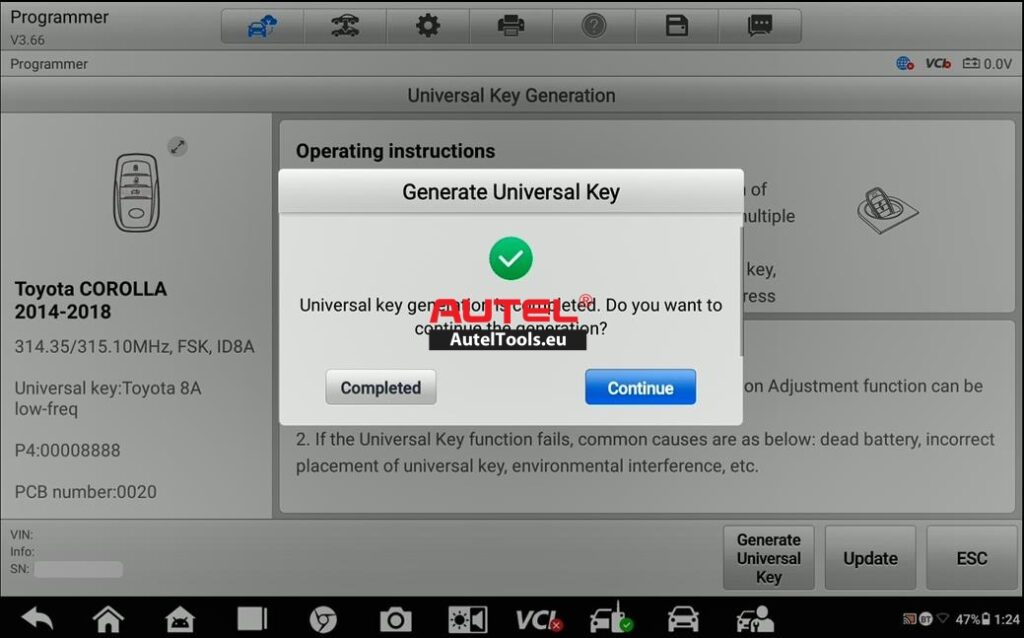
Note: The Autel Universal Key (often referred to as the “Super Chip” or 208 transponder) is a reusable, rewriteable key chip. This is why we can program it on the bench without having a pre-cut metal key blade yet. (The blade can be cut afterward based on the original key).
Step III: Perform the “Add Key” Function in the IMMO Menu
Now for the magic moment—adding the newly generated key to the vehicle’s immobilizer memory.
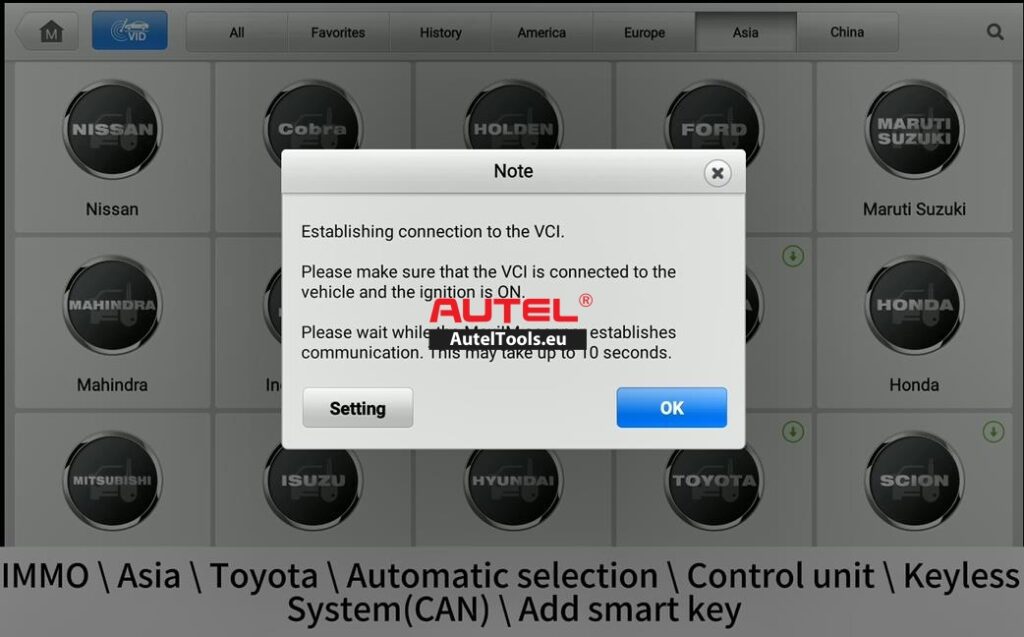
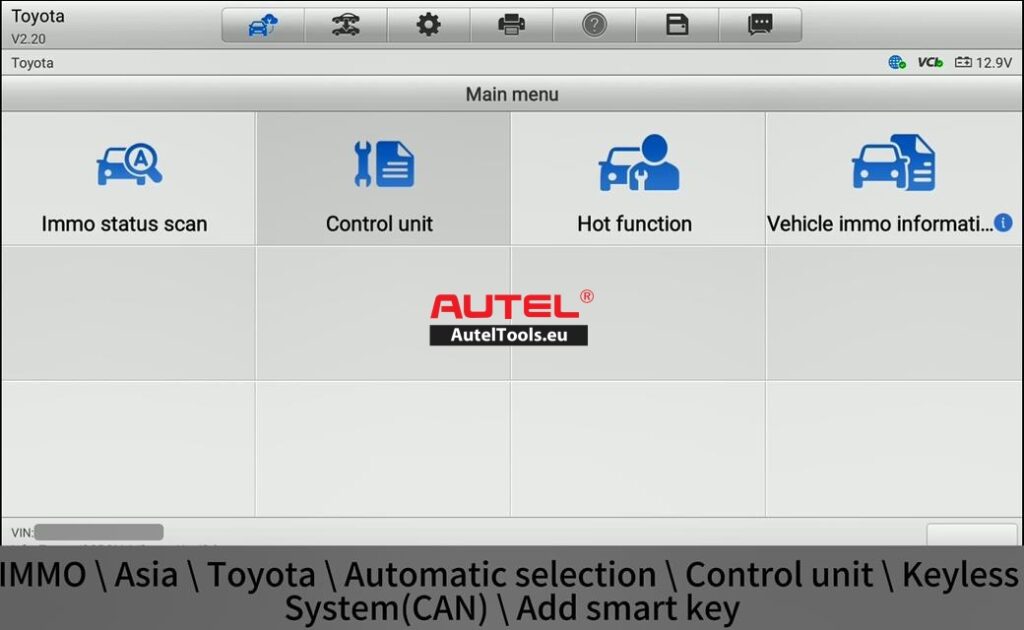
- Exit the Programmer menu and enter the IMMO (Immobilizer) menu.
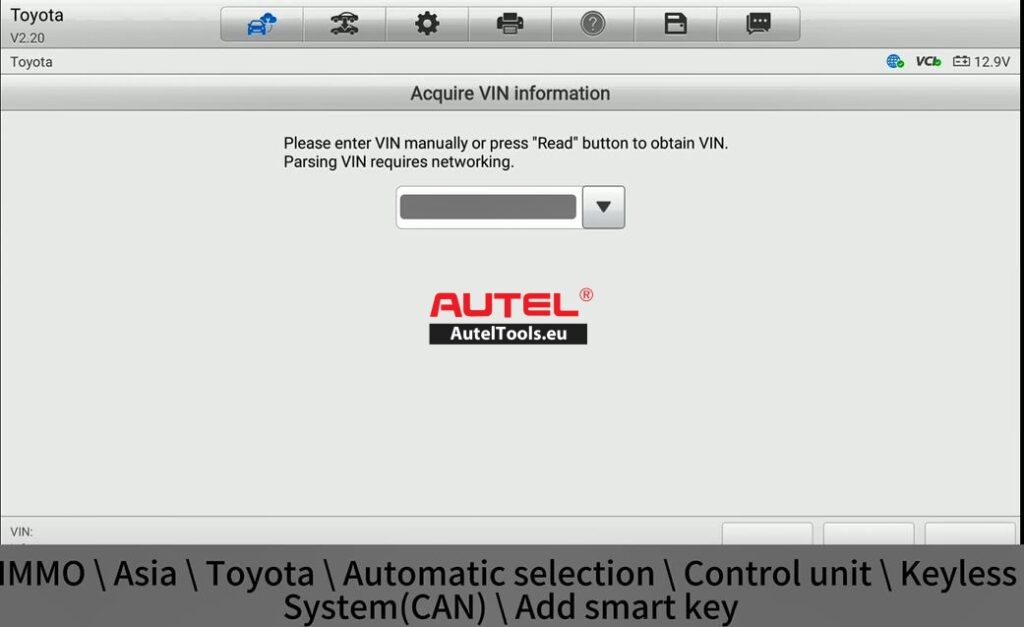
- Select the correct vehicle model (2018 Toyota Corolla).
- Choose the “Add Key” function.
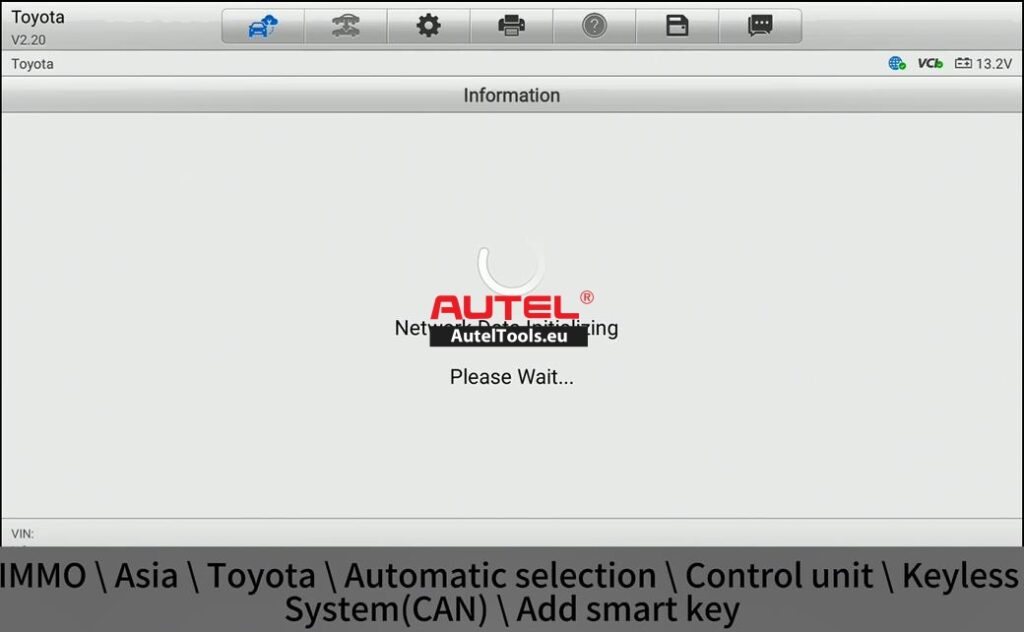
- The device will communicate with the vehicle’s OBD-II port and initiate the key learning sequence.
- Follow the on-screen prompts. Typically, you will be asked to turn the ignition ON with the original key, then turn it OFF, and then repeat the process with the new key.
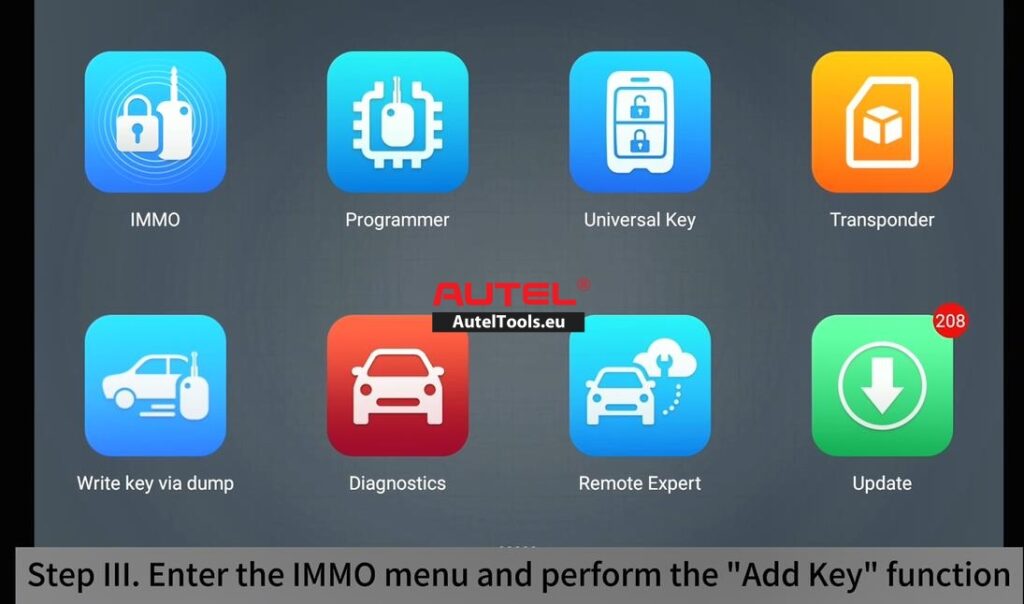
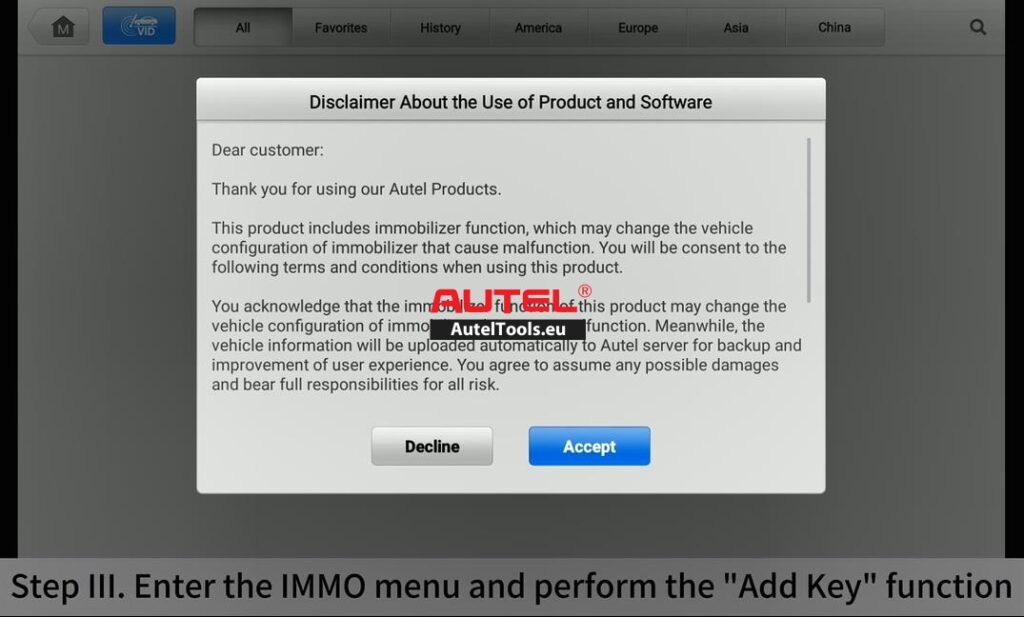
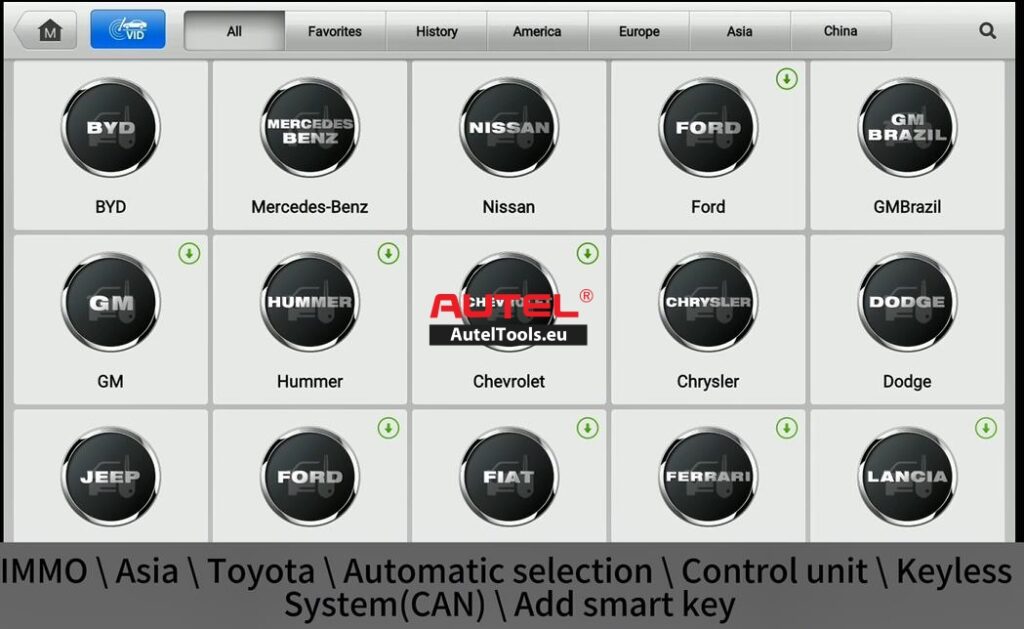
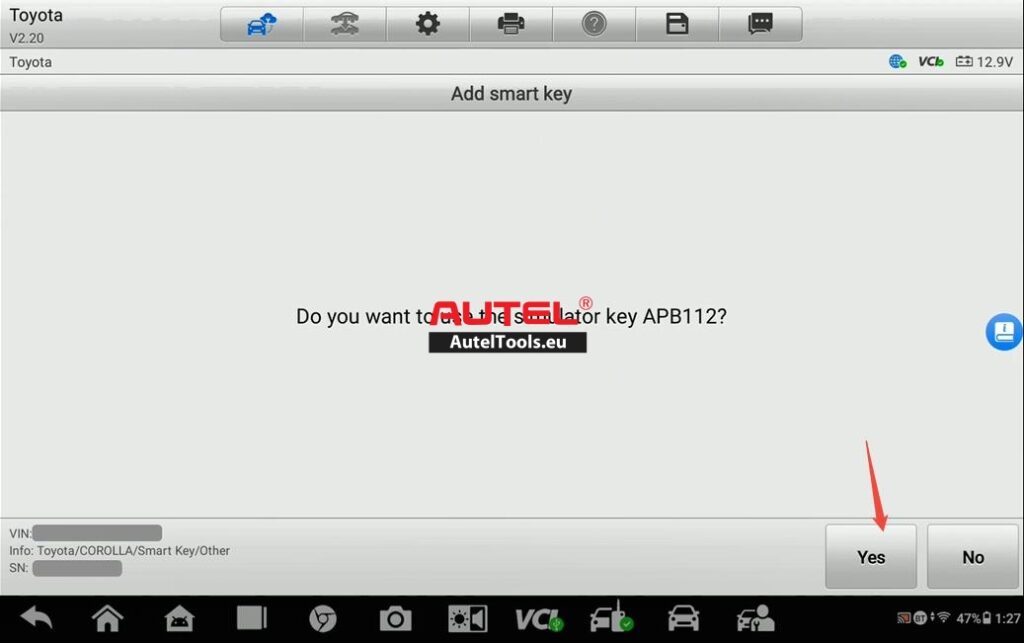
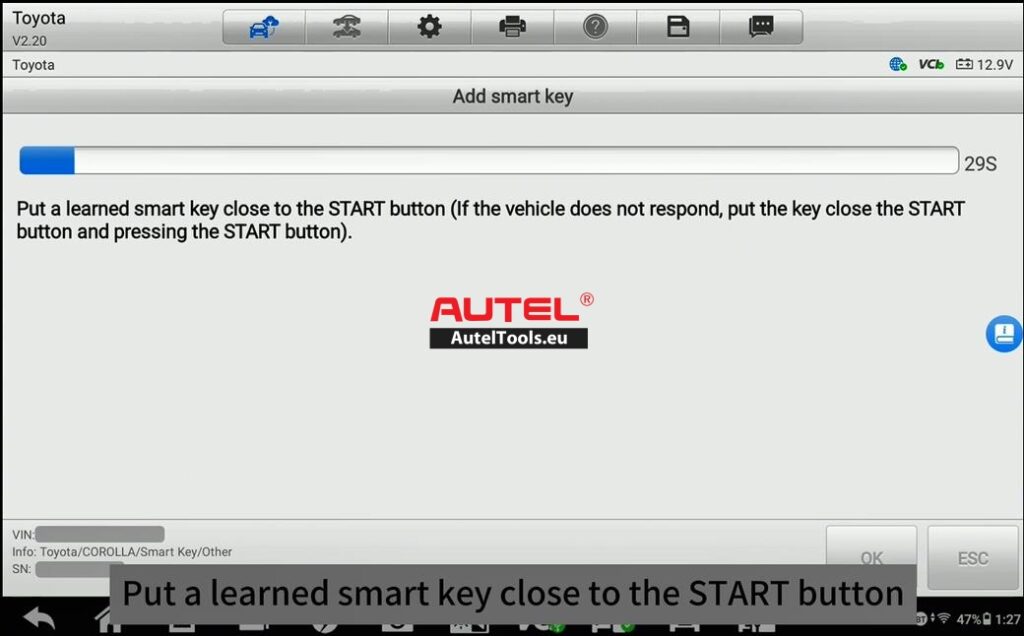
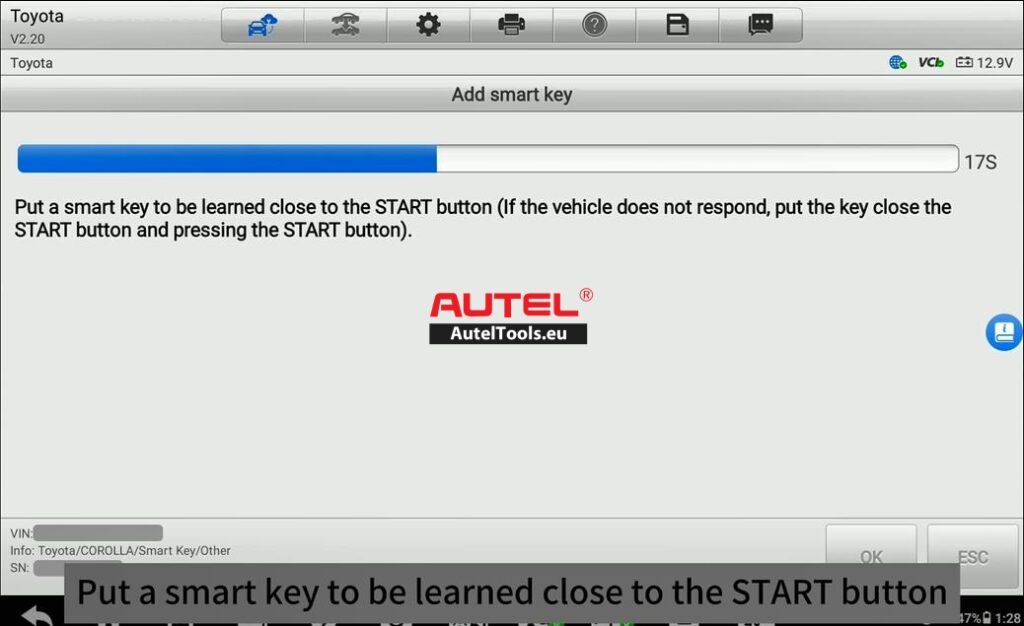
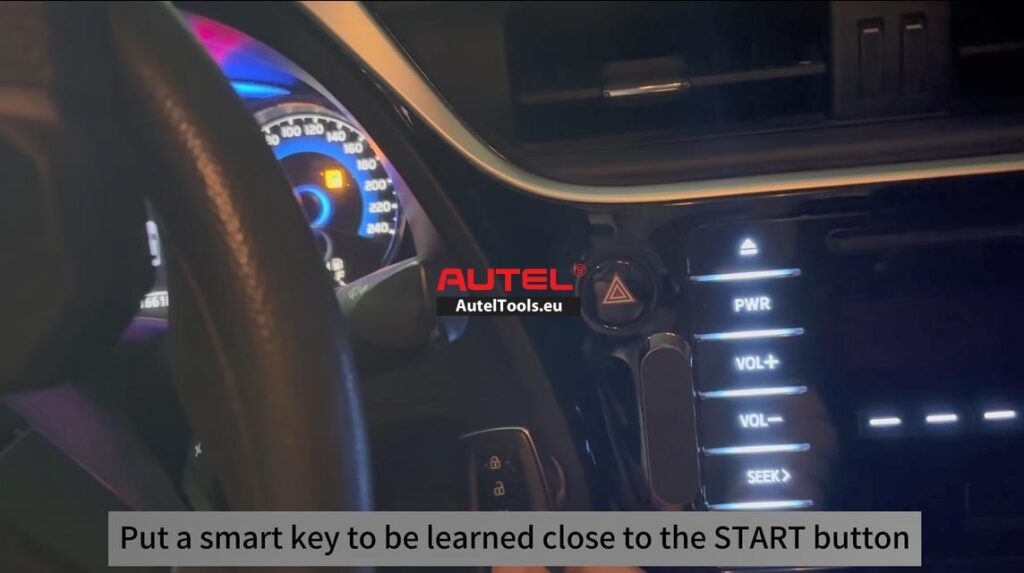
Result: The vehicle accepted the new key without any errors. Both the engine start (immobilizer) and the remote locking functions worked perfectly
For Mor Technical Support,please contact
Jenny
Whatsapp:+86 19947637411
Email: Sales@AutelTools.eu
Leave a Reply