


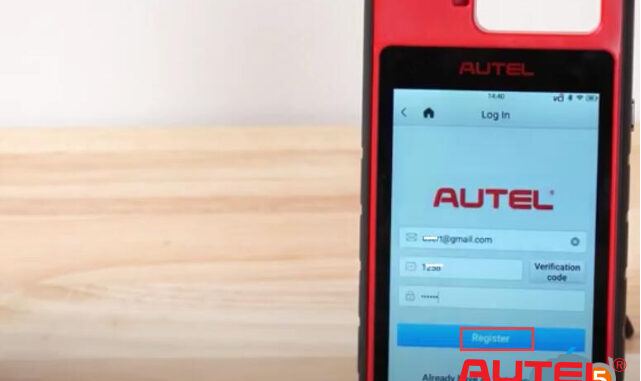
Autel tutorial: How to register and update Autel MaxiIM KM100E software and VCI.
- Part I : Register KM100E
Turn on KM100E
Accept disclaimer
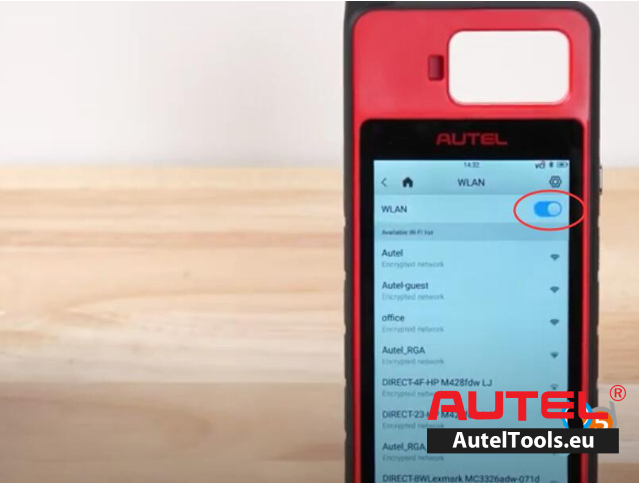
Go to Settings>>System Settings>>WLAN
Connect Autel KM100E to Wi-Fi
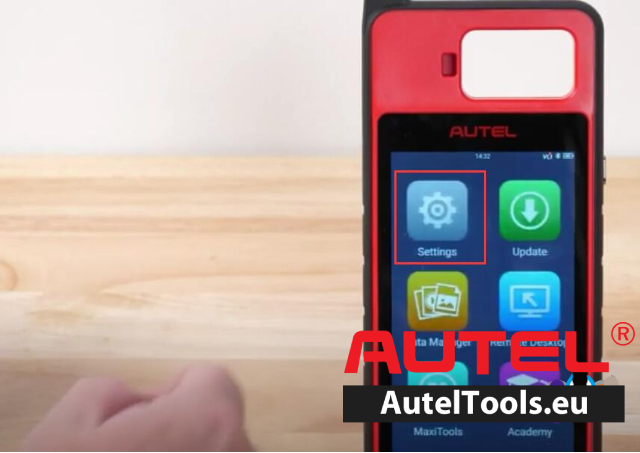
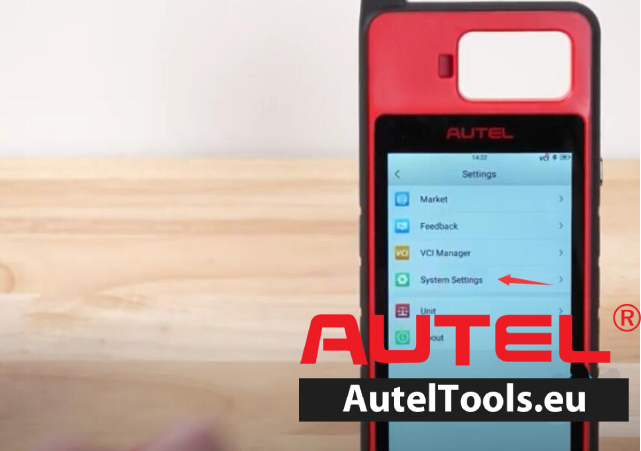
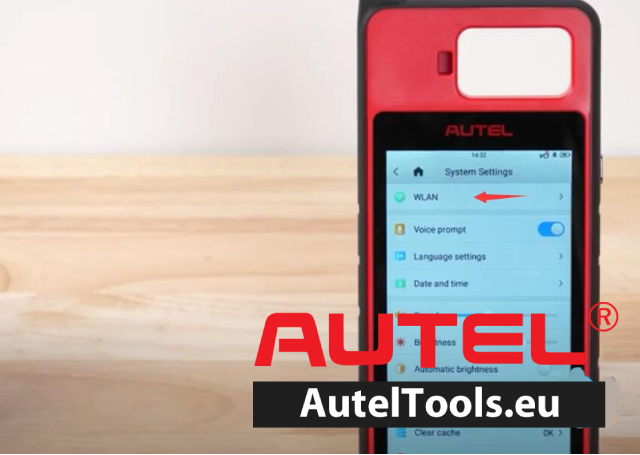
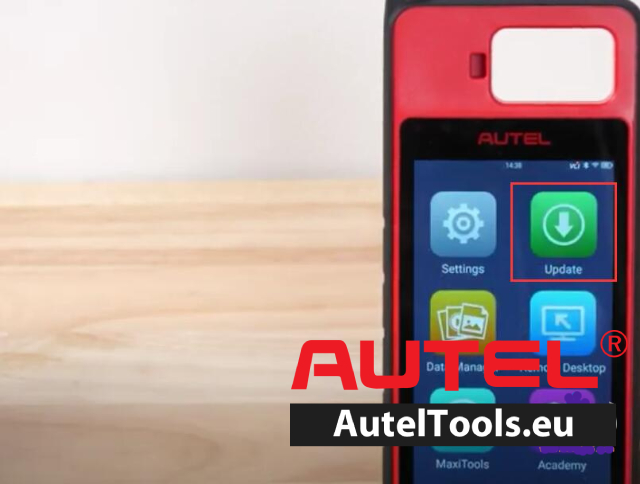
Back to Homepage, select” Update”
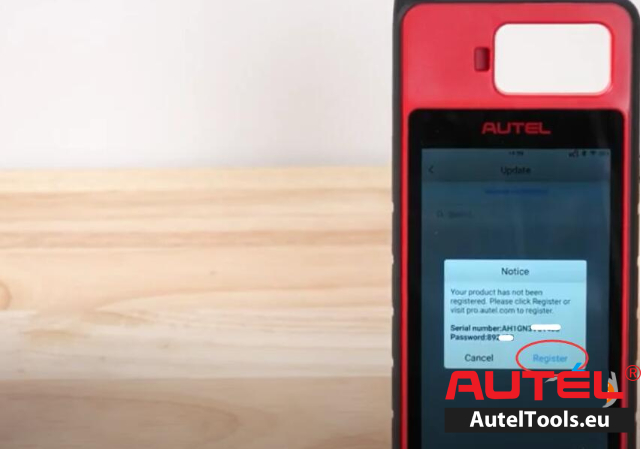
KM100E says the product had not been registered.
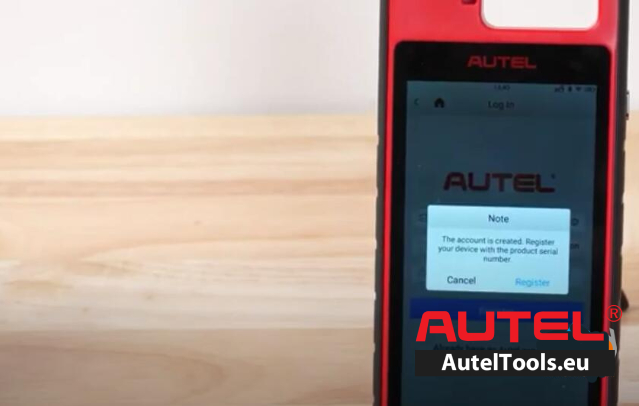
Press Register
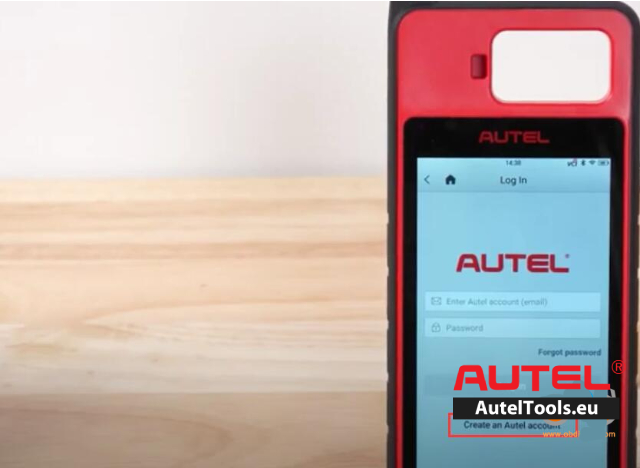
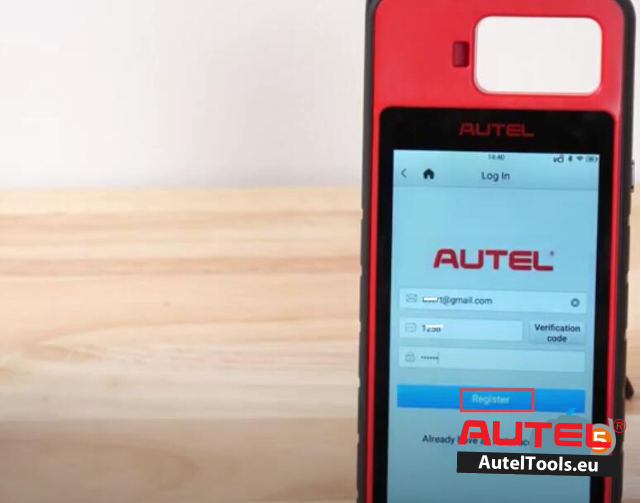
If you don’t have an Autel account, register Autel account with email and password
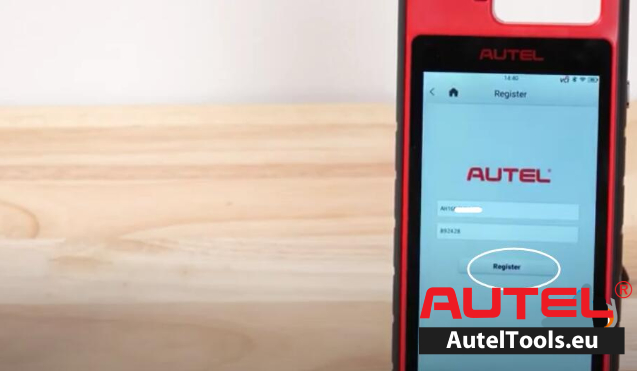
If you have Autel accouont, login and register KM100E with Serial Number.
- Part II: Update KM100E
After registration, go to Home page >Update
Download System Program
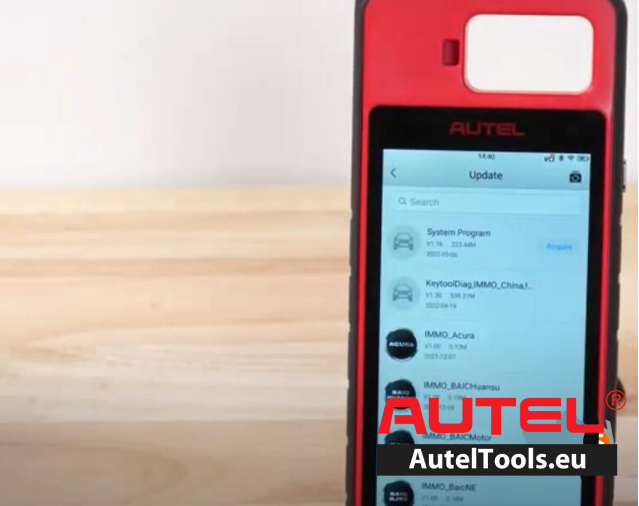
After it’s done, device will reboot automatically.
Back to “Update” again, download” KeytoolDiag”
Then download all immo programs required.
- Part III: Update PLC200 VCI Firmware
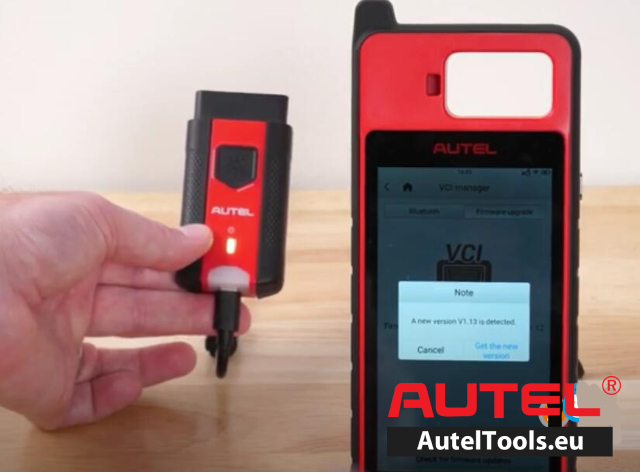
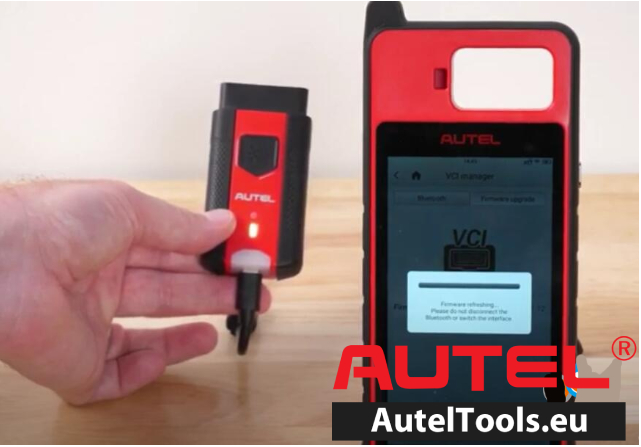
Back to “Settings” and select “VCI” manager”
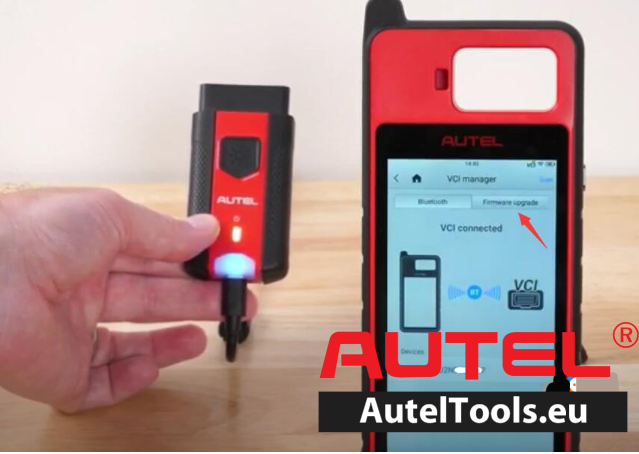
Connect VCI to device by USB cable.
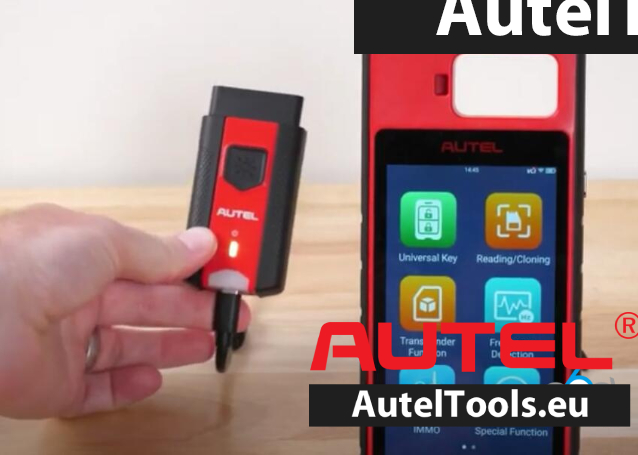
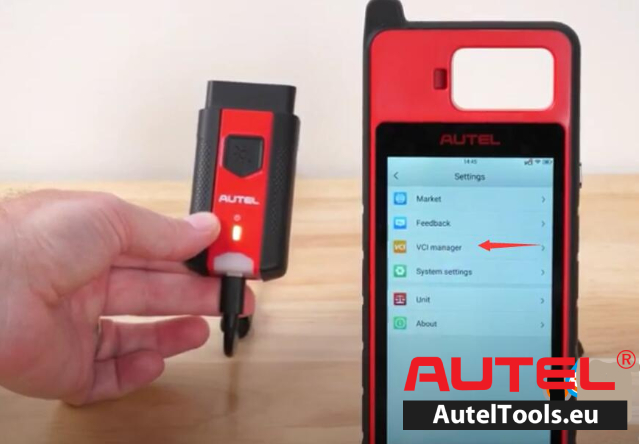
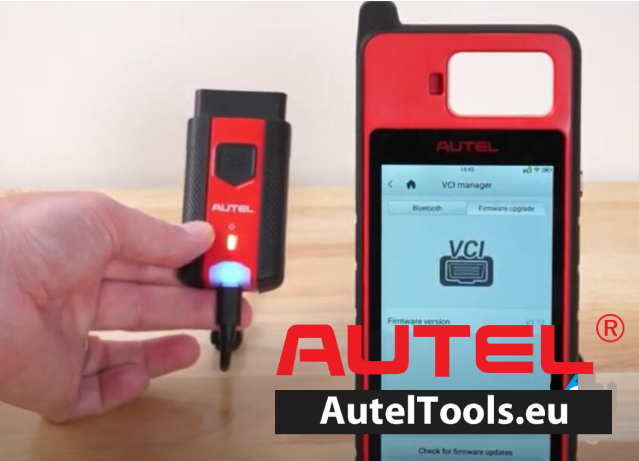
Switch to “Firmware upgrade” and update firmware if there is one available.
For more technical service,please contact
Jenny
Whatsapp:+86 19947637411
Email: Sales@AutelTools.eu
Leave a Reply