


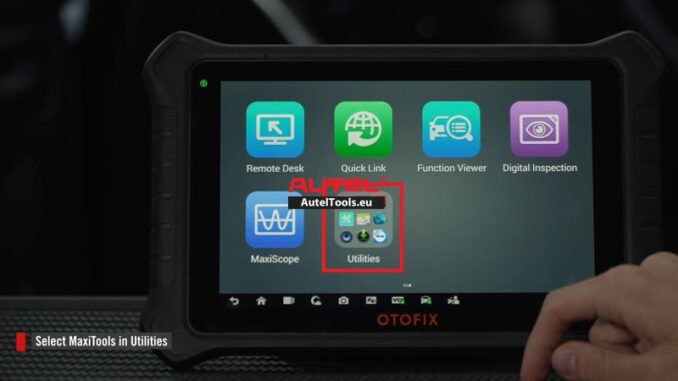
This guide explains how to use the MaxiTools utility to upload system logs from your OTOFIX Tools Scanner (including D1, D1 Lite, D1 ProS2, D1 MAX2, IM1, etc.) for troubleshooting common issues like software download failures, Bluetooth or Wi-Fi connection problems, or app crashes.
Important Note
Upload logs immediately after the problem occurs for accurate troubleshooting.
1.Step-by-Step Instructions
- Open MaxiTools
- Go to Utilities on your scanner.
- Select MaxiTools.
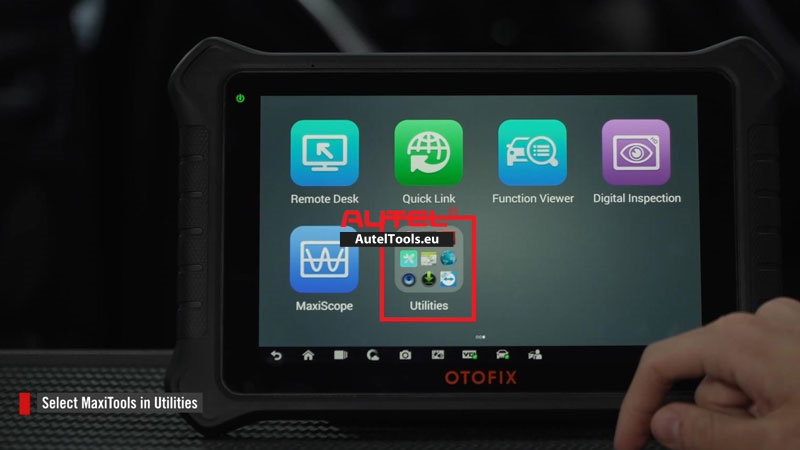
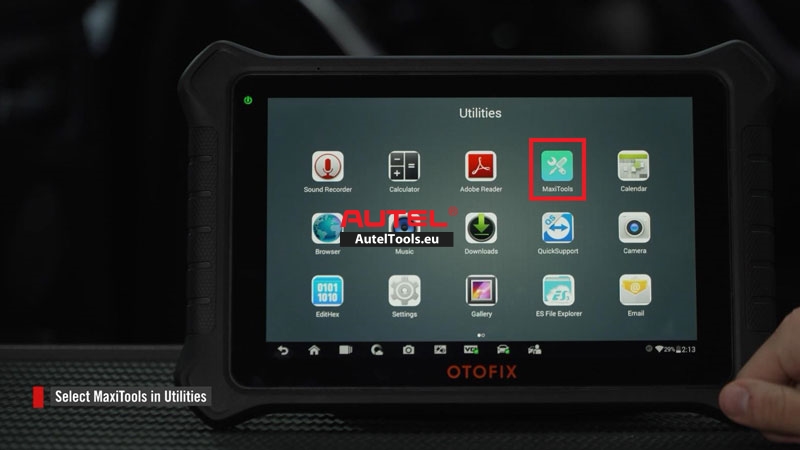
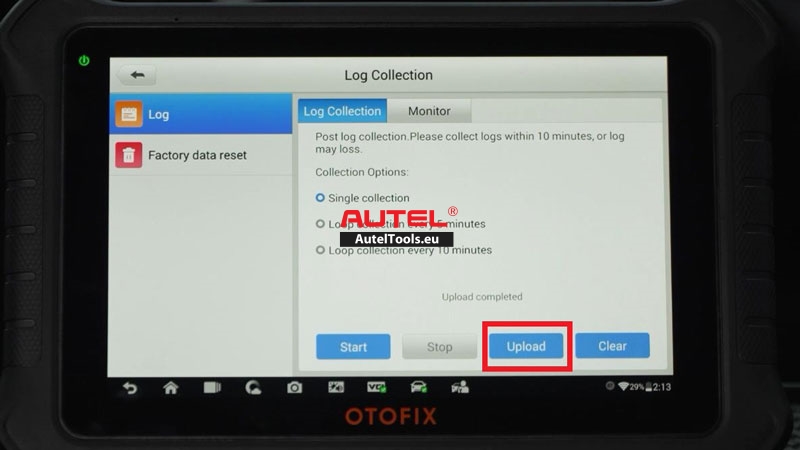
2.Collect and Upload Logs
- Tap “Start”to begin system data collection.
- Once complete, tap “Upload”.
- Wait for the “Upload completed”
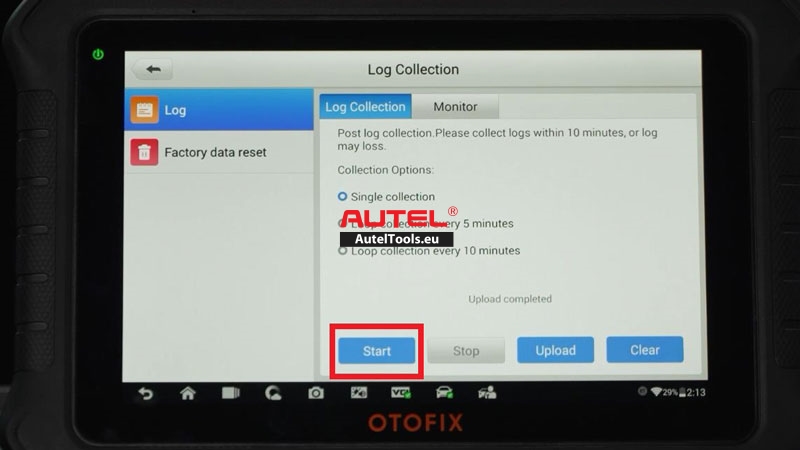
Frequently Asked Questions
Q: When should I use MaxiTools vs. Diagnostic Data Logging?
A: Use MaxiTools for general system issues (Wi-Fi, software crashes). Use Diagnostic Data Logging for vehicle-specific diagnostic errors.
Q: How long does log upload take?
A: Usually a few seconds to a minute, depending on data size and connection.
Leave a Reply