


Question: After Autel MK906BT Update, I can’t move files between folders in OI File Manager. The move option is missing – I can only copy, rename or delete files. How do I organize my diagnostic photos properly?
If you’re experiencing the same issue, here’s the solution to manage your files effectively on your Automotive Diagnostic System.
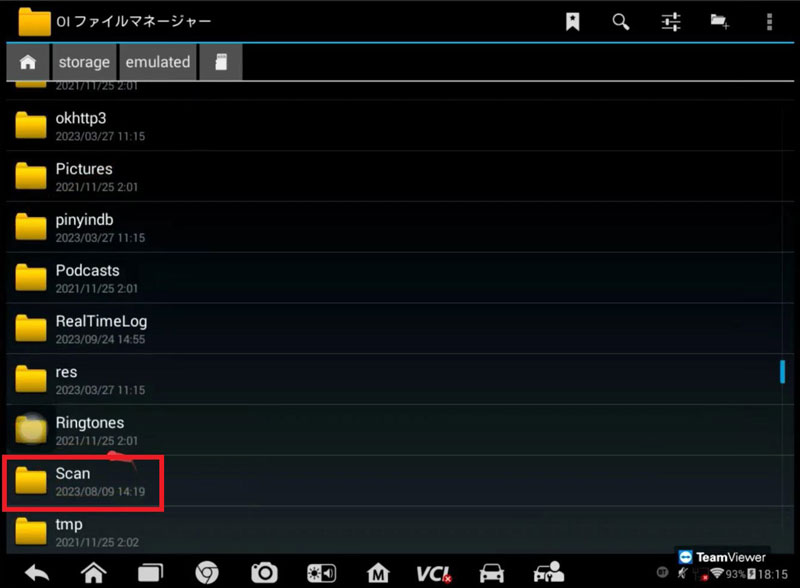
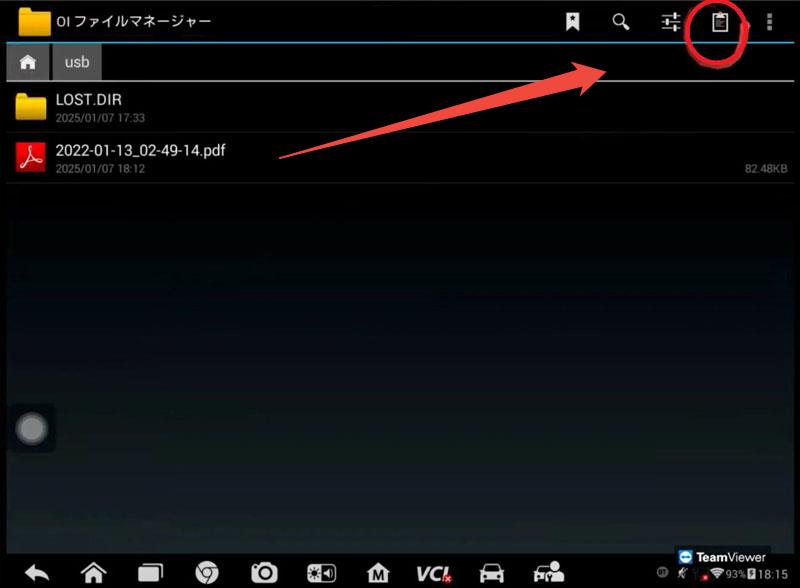
- Launch OI File Manager.
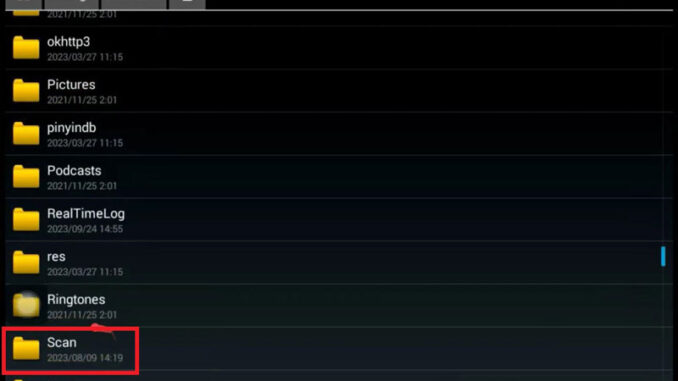
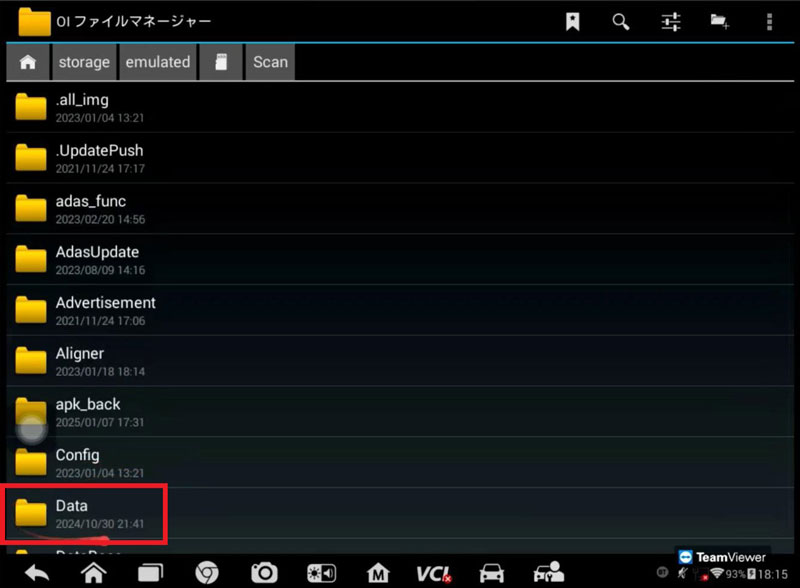
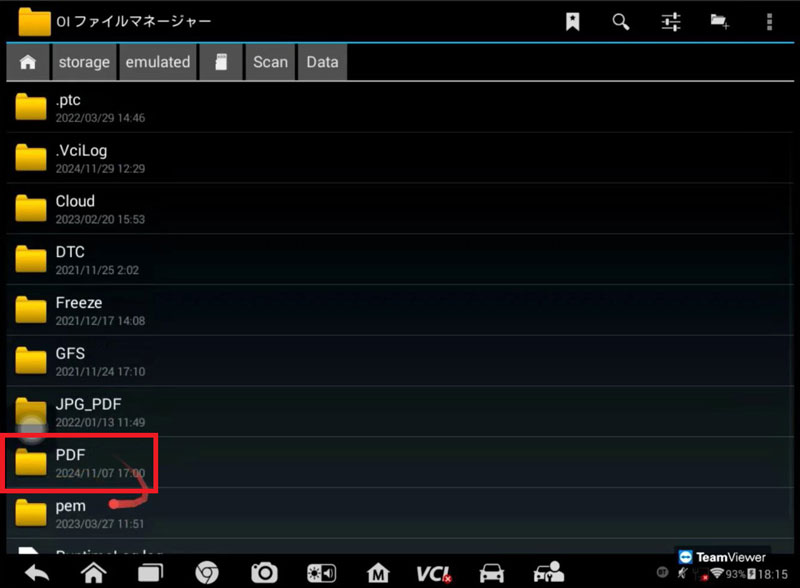
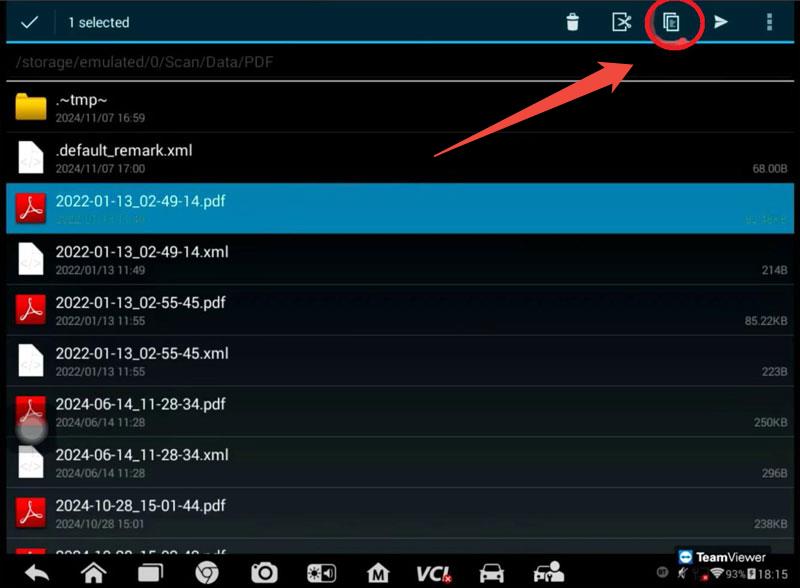
- Navigate tothe built-in storage path: Scan → Data → PDF.
- Long-press your target file and select Copy.
- Navigate to your desired location on theexternal storage and choose Paste to complete the transfer.
- (Optional)Return to deletethe original file if needed.
This copy-paste method provides a quick workaround for file organization.
If you continue facing issues, please record a short video showing where the process fails for further technical assistance.
Keep your diagnostic workflow running smoothly with these simple file management steps!
For more details ,please contact
Whatsapp:+86 19947637411
Email: Sales@AutelTools.eu
Leave a Reply