


Step 1 – Prepare the vehicle and key
The video starts with a 2021 GMC Sierra and the smart key to be programmed. Connect the Autel KM100E to the vehicle and keep the key available.
Step 2 – Identify the vehicle
On the KM100, select the GM/GMC vehicle information and allow the tool to obtain or parse the VIN. Confirm the vehicle before entering the key-learning function.
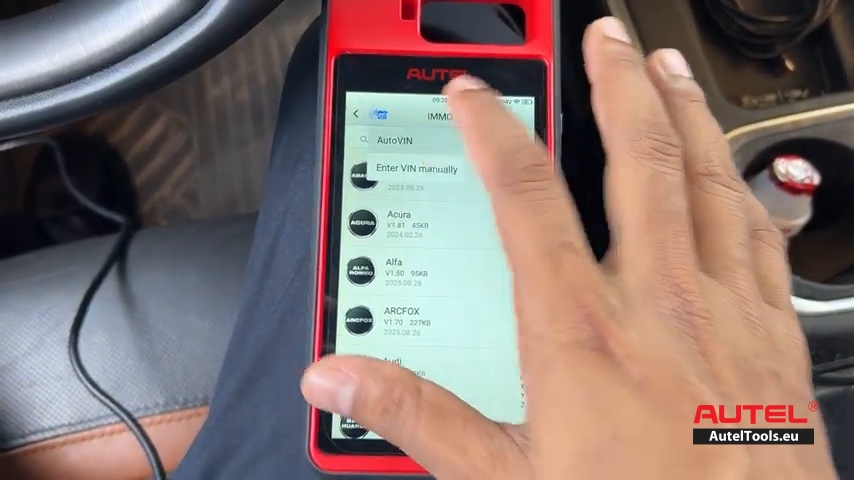
Step 3 – Open “Add Smart Key (guided)”
Enter the guided smart-key function. The screen shows the workflow: Step 1 Read PIN, Step 2 Clear DTC, and Step 3 Smart Key Learning.
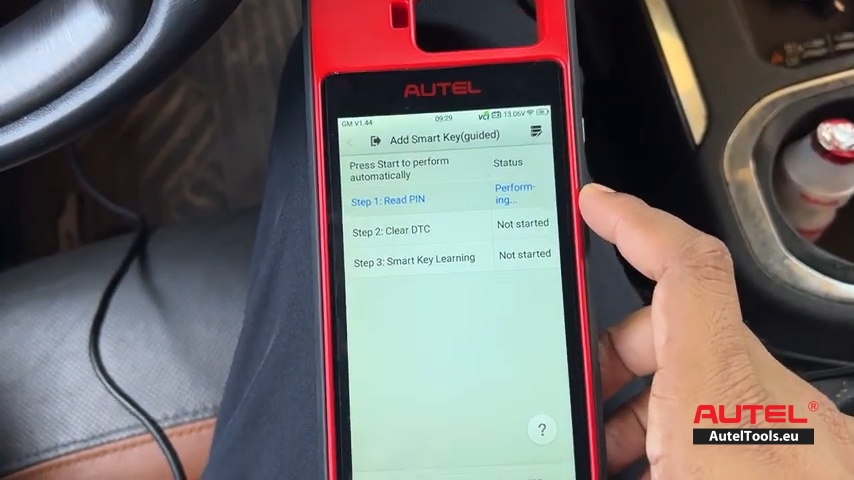
Step 4 – Read the PIN
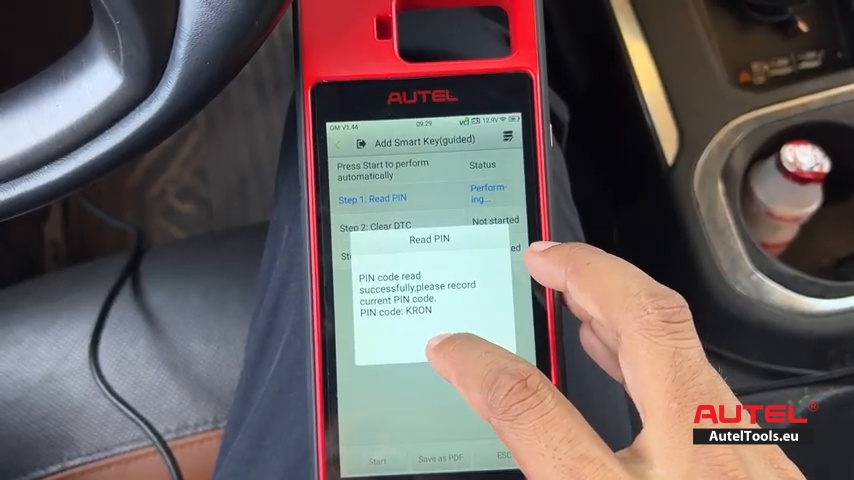
Start the PIN-reading procedure. The video shows the KM100 reading the PIN successfully. Continue after the PIN-reading result is displayed.
Step 5 – Clear DTC
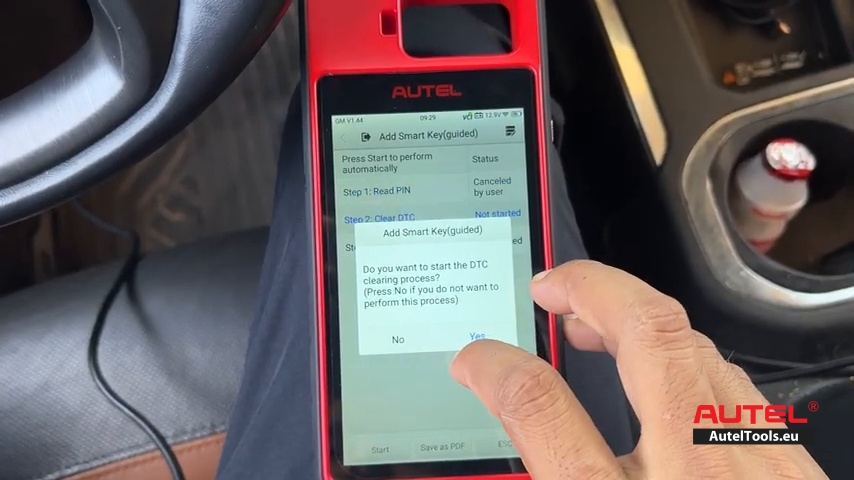
The KM100 asks whether to start DTC clearing. Select “Yes” if following the procedure shown in the video, then continue to Smart Key Learning.
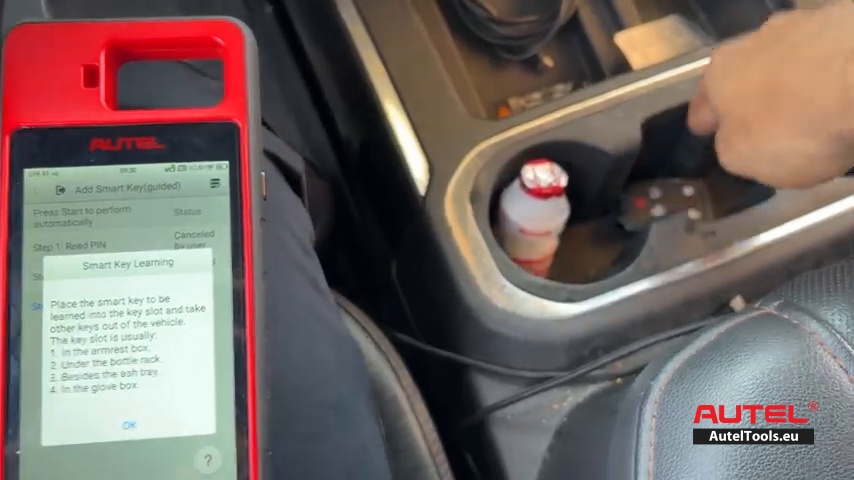
Step 6 – Place the new smart key correctly
When Smart Key Learning starts, place the smart key to be learned in the vehicle’s specified key-sensing/key-slot position and keep other keys away from the vehicle. Follow the on-screen placement guidance.
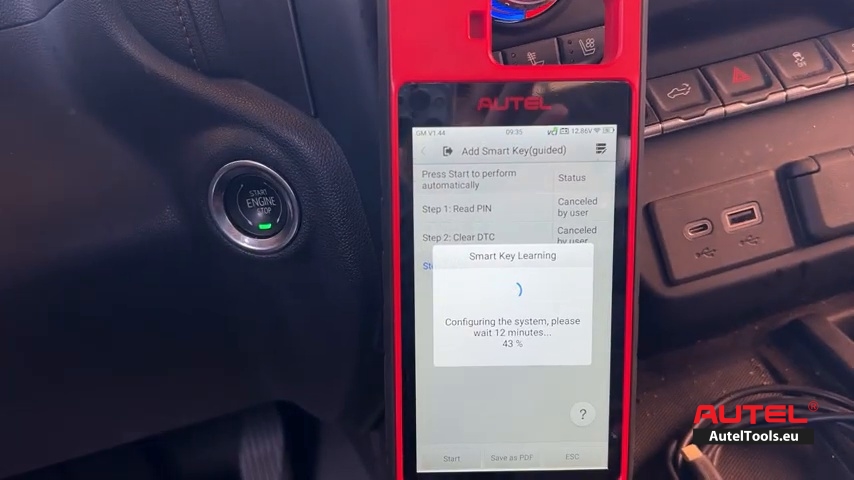
Step 7 – Wait while the system is configured
The KM100 begins Smart Key Learning and displays a configuration countdown/progress message. The video indicates that the system may require about 12 minutes. Do not interrupt the procedure during this stage.
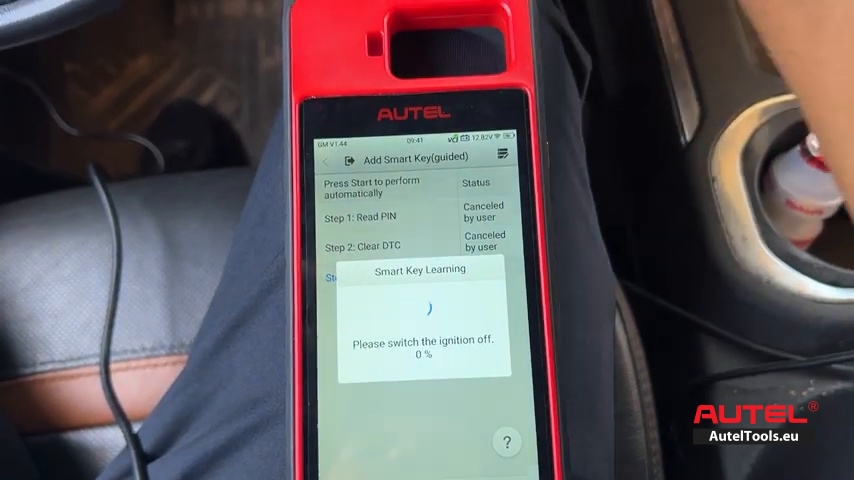
Step 8 – Switch the ignition OFF
When prompted, switch the ignition OFF and continue following the KM100 instructions.
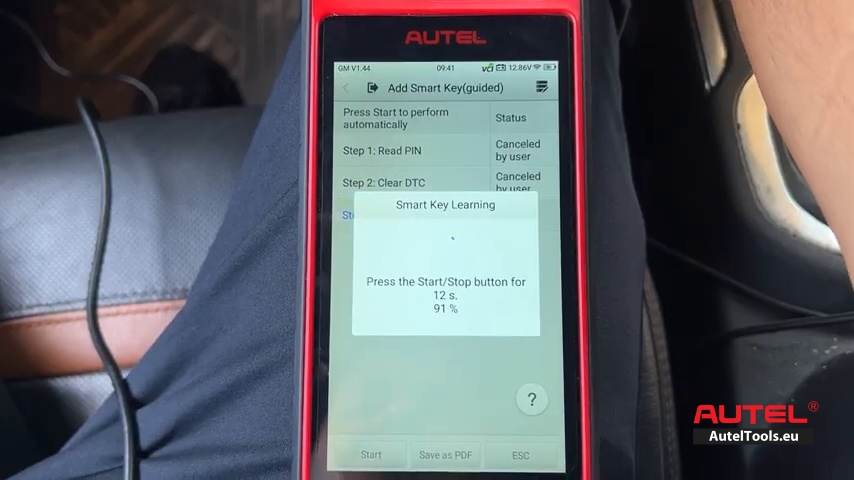
Step 9 – Press and hold the START/STOP button
The KM100 prompts you to press the START/STOP button for about 12 seconds. Follow the exact on-screen instruction and wait for the next prompt.
Step 10 – If required, long-press START/STOP
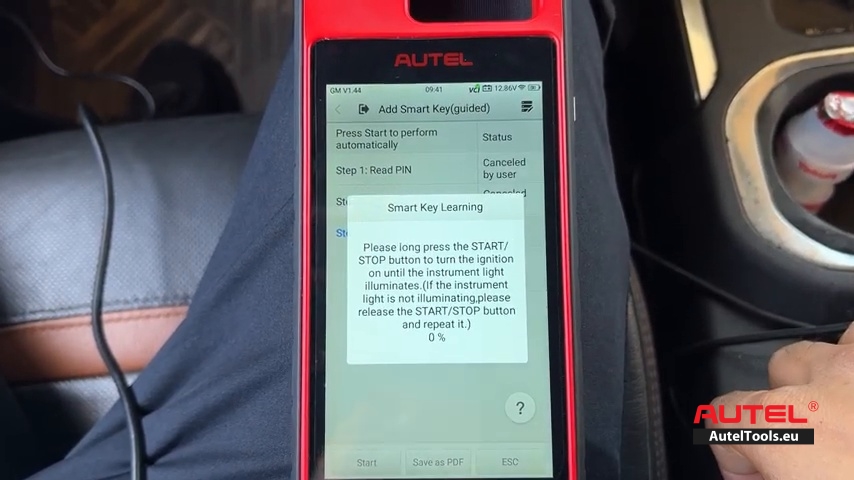
The next prompt instructs you to long-press START/STOP until the instrument-light/ignition state changes. If the requested state is not reached, release the button and repeat as instructed.
Step 11 – Start the engine and wait
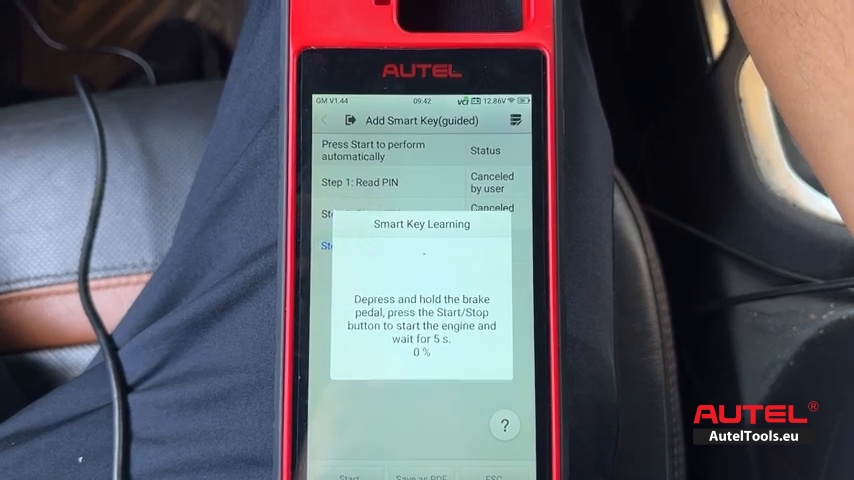
The KM100 then instructs you to depress and hold the brake pedal, press the START/STOP button to start the engine, and wait about 5 seconds while the system is configured.
Step 12 – Final smart-key procedure
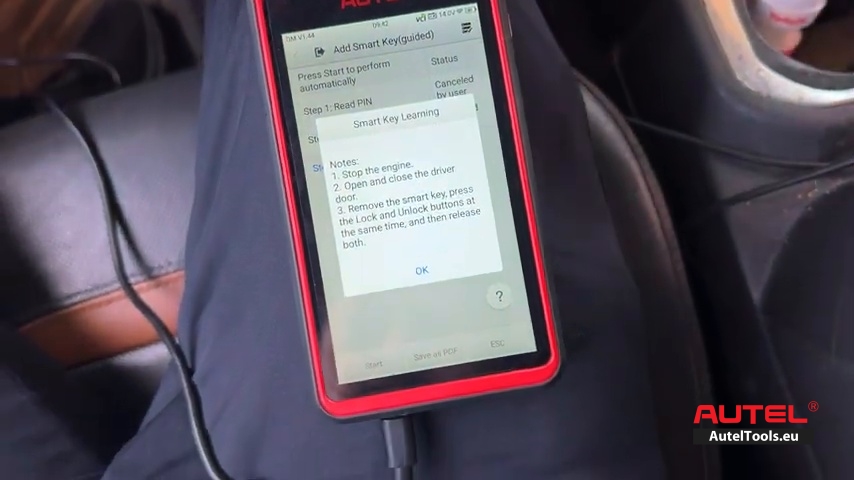
The final on-screen note shown in the video says: 1) stop the engine; 2) open and close the driver door; 3) remove the smart key, press the Lock and Unlock buttons at the same time, then release both.
Important Notes
- Follow the exact prompts displayed by the KM100 for the specific vehicle; menu wording and timing can vary by software version and vehicle configuration.
- Keep the diagnostic tool connected and maintain stable vehicle power during the programming process.
- Keep any other programmed keys away from the vehicle when the procedure specifically requests this
Leave a Reply